Juno System: User Guide
Chapter 2: Getting Started with Juno
Start a Run
31
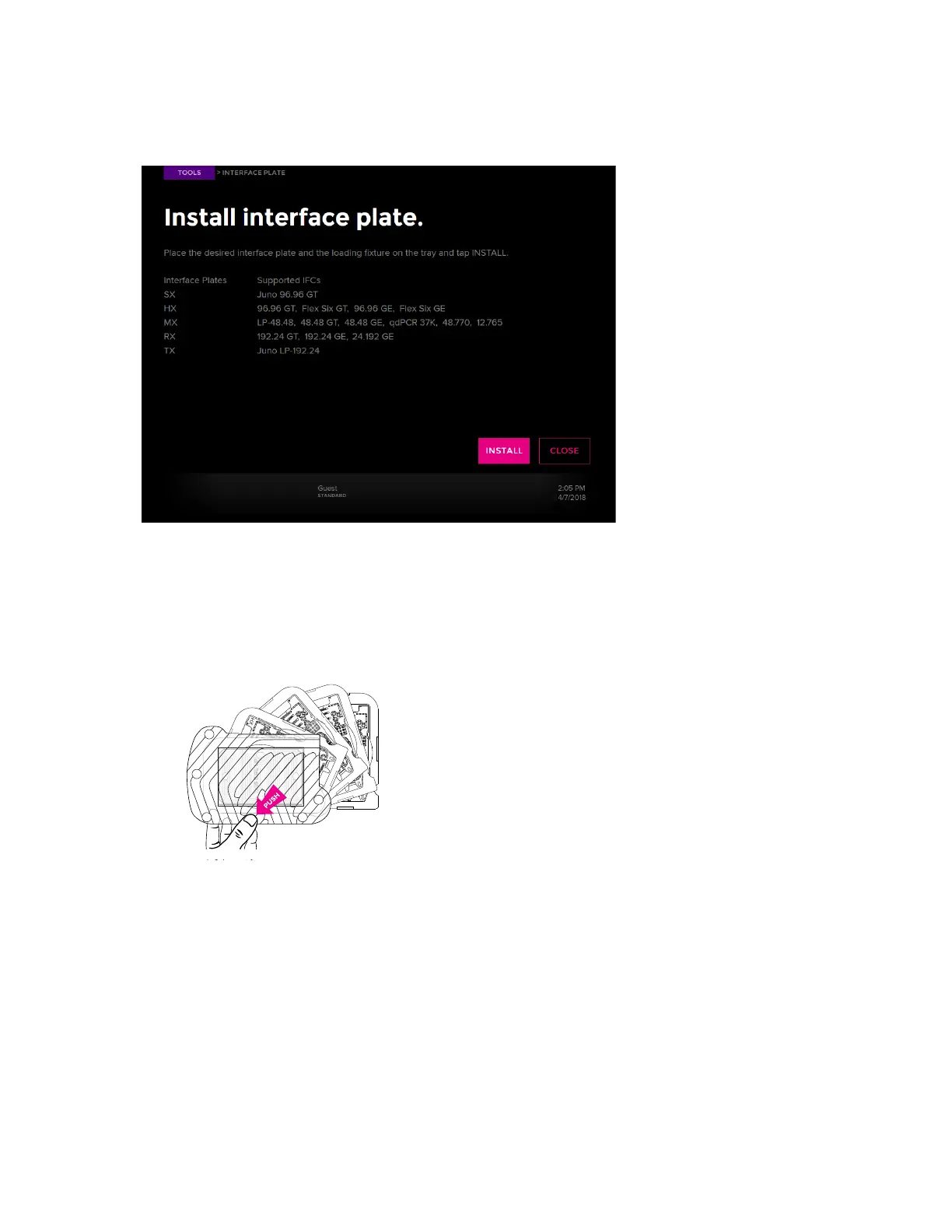
6 Review the guidelines on the screen to select the correct interface plate (also see
Interface Plates and IFCs on page 10 and Components of the Juno System on page 8):
7 Remove the interface plate to be installed from its storage container and ensure that it is
clean. (See Clean an Interface Plate on page 51.)
• Swivel-style storage container: Pull the tray at the notch to swing out the tray with the
correct interface plate, then remove the interface plate. To swing out all of the trays at
once, press the button on the top of the container and pull out the trays:
• Box-style storage container: Take the interface plate out of the labeled drawer.



 To Next Page