Juno System: User Guide
Chapter3:Using Advanced Features ofJuno
Enable In-House Air
46
Enable In-House Air
1 Ensure that you have logged in to the system as administrator. (See Log In on page 36.)
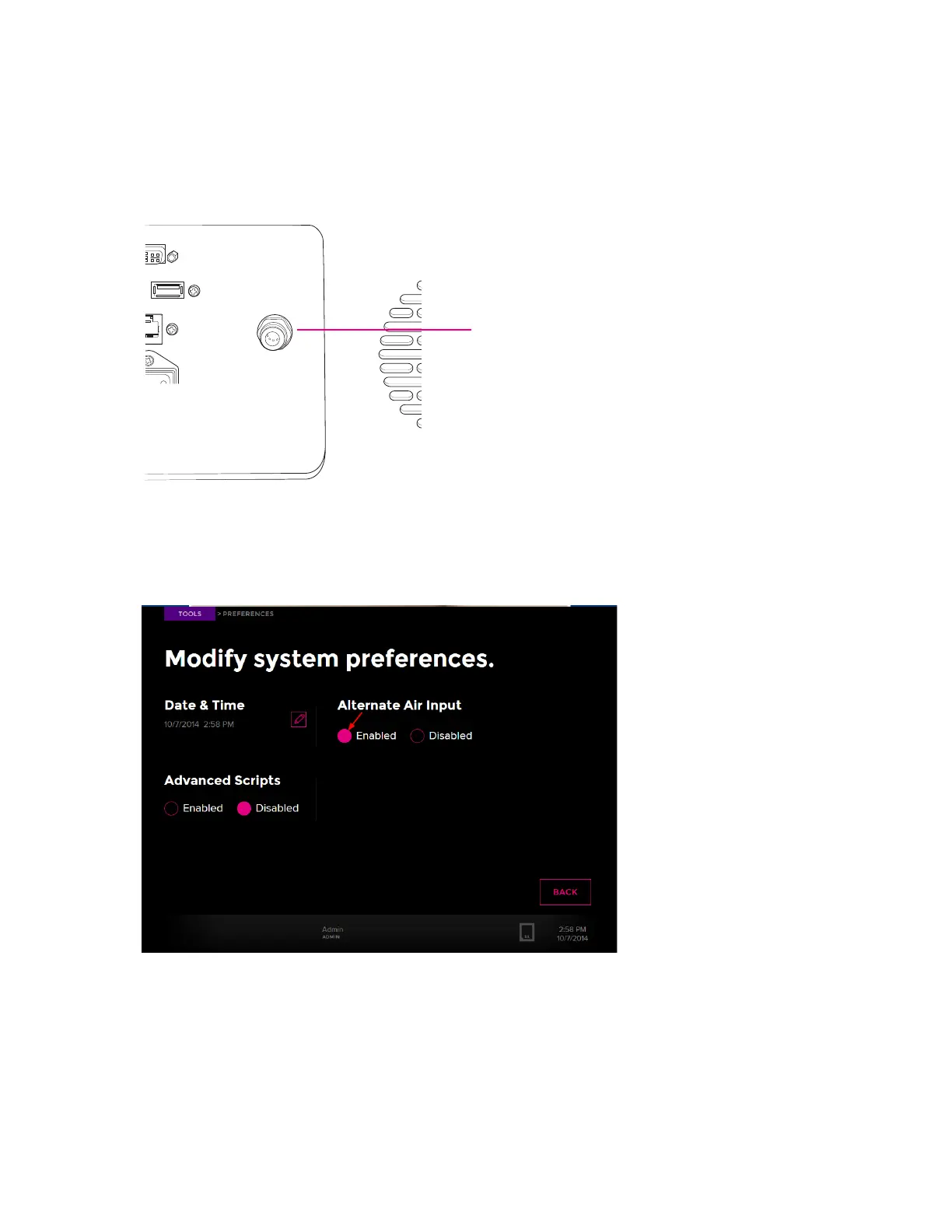
2 Connect 1/4-inch outside diameter tubing to the air inlet at the back of the Juno system:
3 From the system software, tap Tools.
4 Tap Preferences.
5 For Alternate Air Input, tap Enabled:



 To Next Page