Juno System: User Guide
Chapter 2: Getting Started with Juno
Start a Run
23
Select a Script
1 Install the appropriate interface plate according to Table 1 on page 10. (See Switch an
Interface Plate on page 26.)
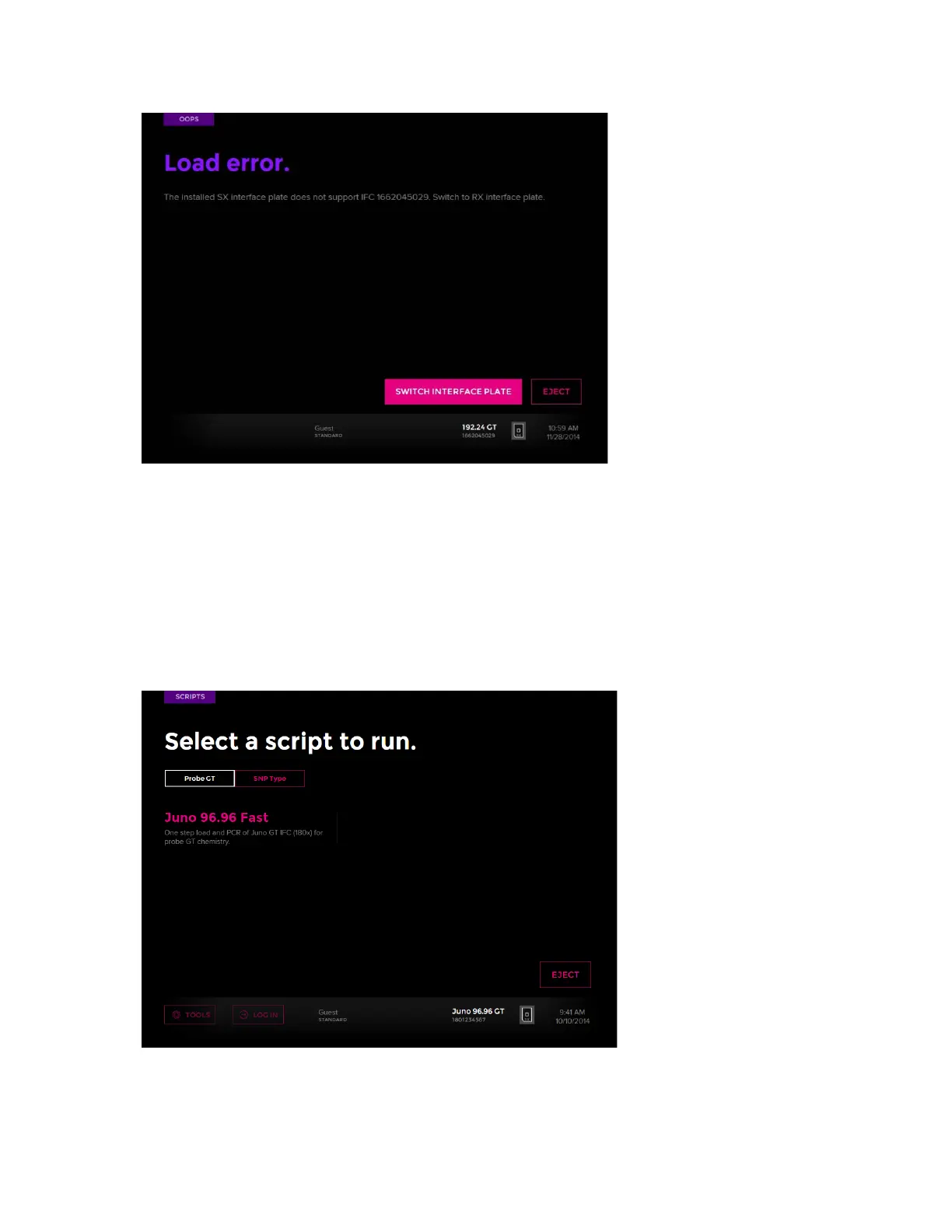
2 After the IFC loads into the instrument, the system displays the scripts available for the
installed interface plate and loaded IFC. You can scroll through them by tapping the bars
(if displayed) at the bottom left of the screen or by swiping across the screen. For
example:
3 Tap the script to display its Start screen.



 To Next Page