Juno System: User Guide
Chapter 2: Getting Started with Juno
Start a Run
22
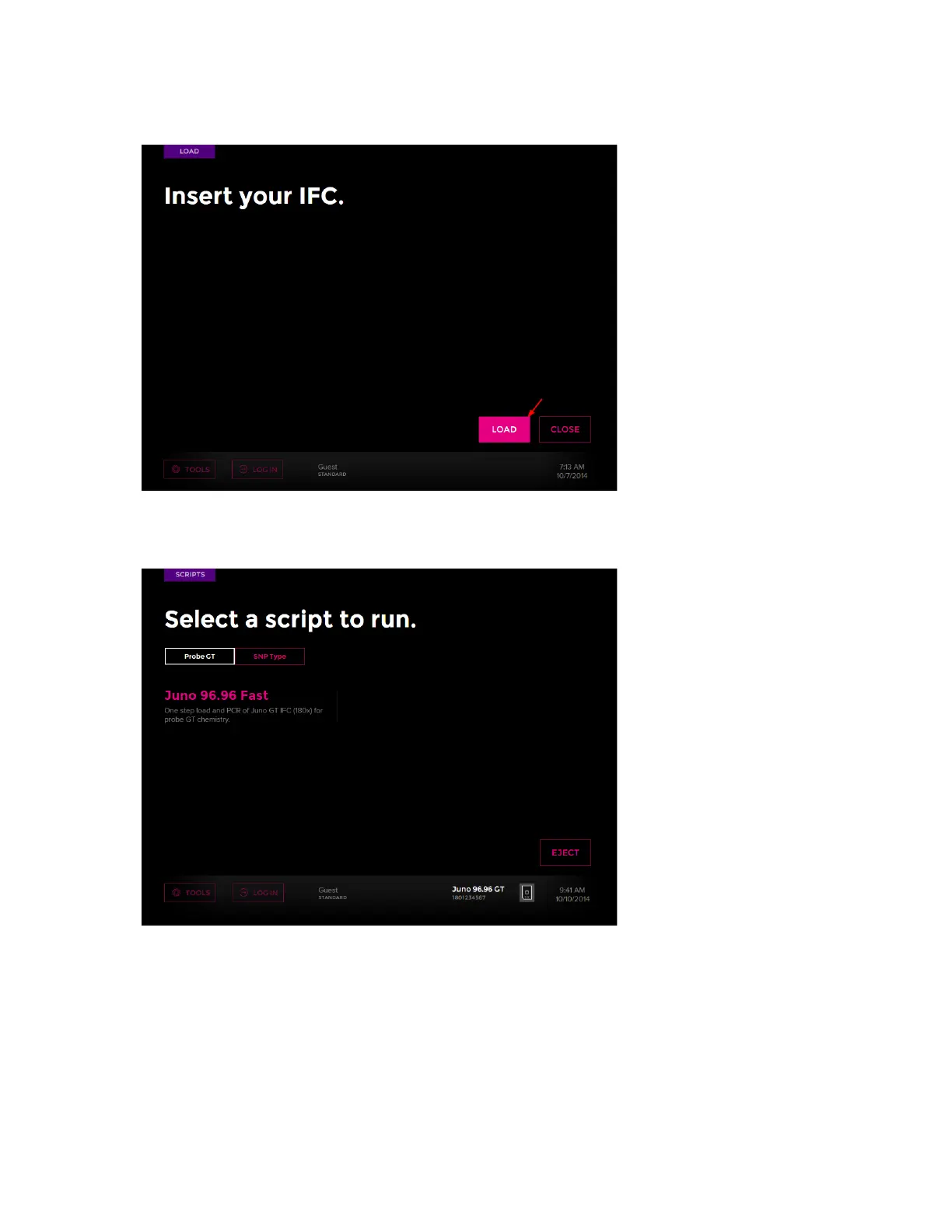
5 Tap LOAD:
The screen of available protocols or scripts displays, and the IFC barcode is on the
bottom right of the screen:
IMPORTANT
• If a barcode error message displays, check the IFC position and direction, then reload
the IFC. If the instrument still fails to load the IFC, the instrument displays the Enter IFC
Barcode screen. Enter the barcode manually, then tap LOAD.
• If the interface plate is incorrect for the IFC being loaded, a Load Error screen displays.
Tap SWITCH INTERFACE PLATE to install the correct interface plate for the IFC (see
Switch an Interface Plate on page 26):



 To Next Page