Juno System: User Guide
Chapter3:Using Advanced Features ofJuno
Manage Users
42
To Remove a Script
1 Ensure that you have logged in to the system as administrator. (See Log In on page 36.)
2 On the Start screen, tap TOOLS, then tap Manage Scripts to display the Manage Scripts
screen.
3 Tap Modify. A list of scripts available to modify displays.
4 Tap the added or saved script to be removed to view it.
5 Tap REMOVE, and then tap YES to confirm removal.
Manage Users
1 Ensure that you have logged in to the system as administrator. (See Log In on page 36.)
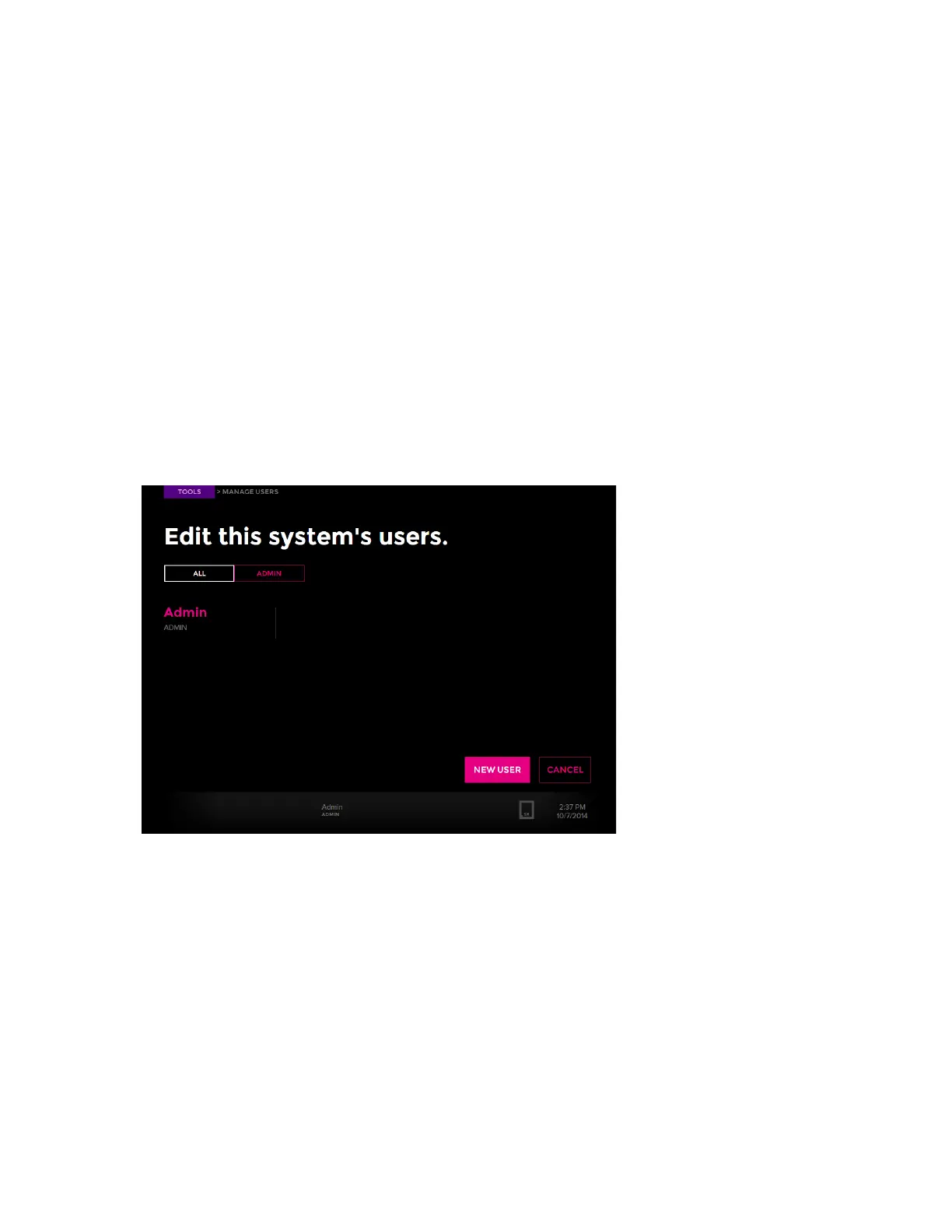
2 On the Tools screen, tap Manage Users. The Manage User screen displays with the
available user accounts:
3 Tap ALL or ADMIN to display all accounts or the administrator account.
4 (Optional) Tap NEW USER.



 To Next Page