Juno System: User Guide
Chapter3:Using Advanced Features ofJuno
Manage Users
43
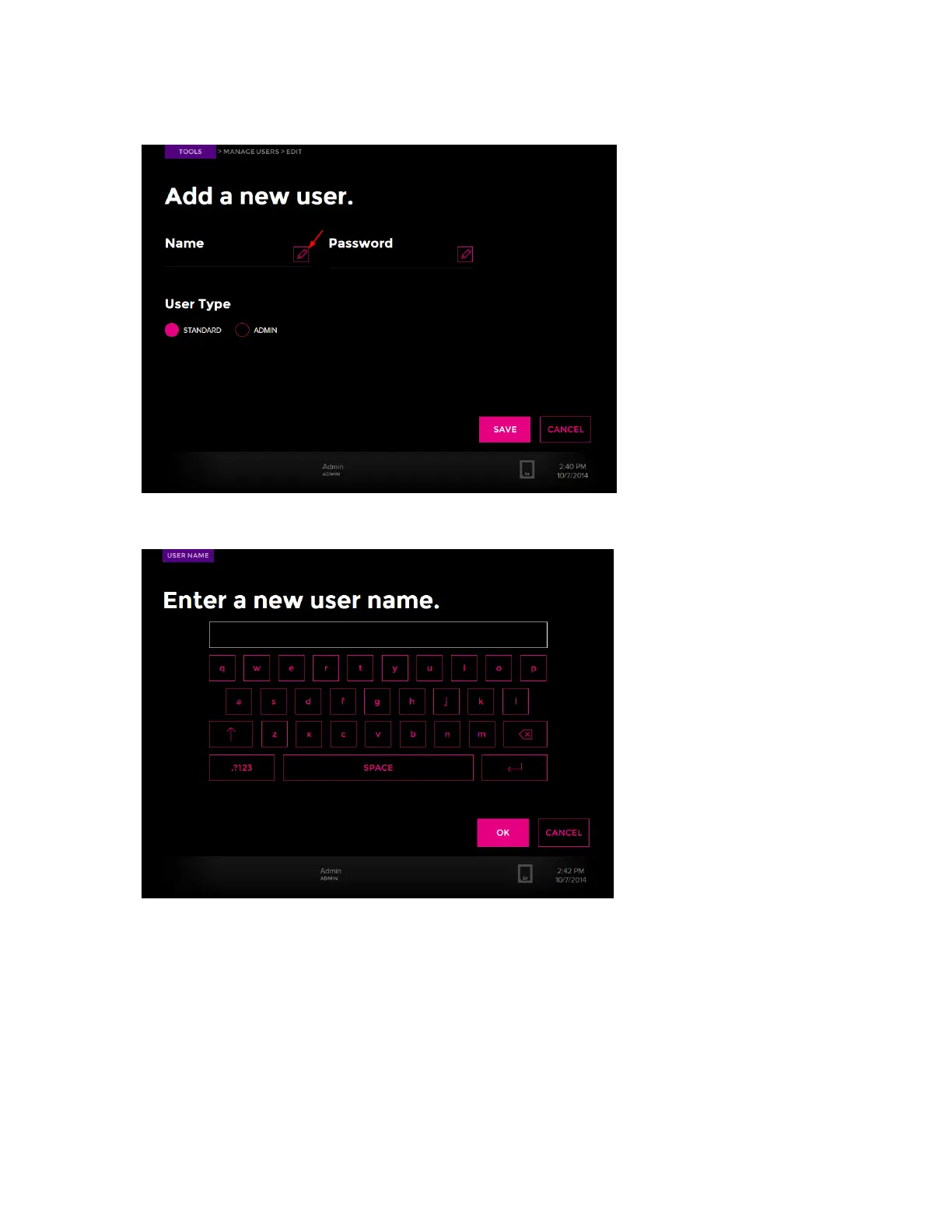
5 Tap ADMIN OR STANDARD, and then tap the edit button:
6 A keyboard displays. Enter the user name. Tap OK:
7 Next to Password, tap the edit button.
8 After the keypad displays, enter the alphanumeric user password, tap OK, and then
SAVE.
9 (Optional) Edit existing user accounts by tapping the edit button by the user name.



 To Next Page