Juno System: User Guide
Chapter3:Using Advanced Features ofJuno
Update the System
45
Update the System
1 Copy the appropriate update package (*.pak) to a USB.
2 Plug the USB into a USB port of the instrument.
3 (Optional) On the Start screen, tap TOOLS to note the current version of the system
software.
4 Ensure that you have logged in to the system as administrator. (See Log In on page 36.)
5 On the Start screen, tap TOOLS.
6 On the Tools screen, tap About This System.
7 On the About screen, tap UPDATE SYSTEM.
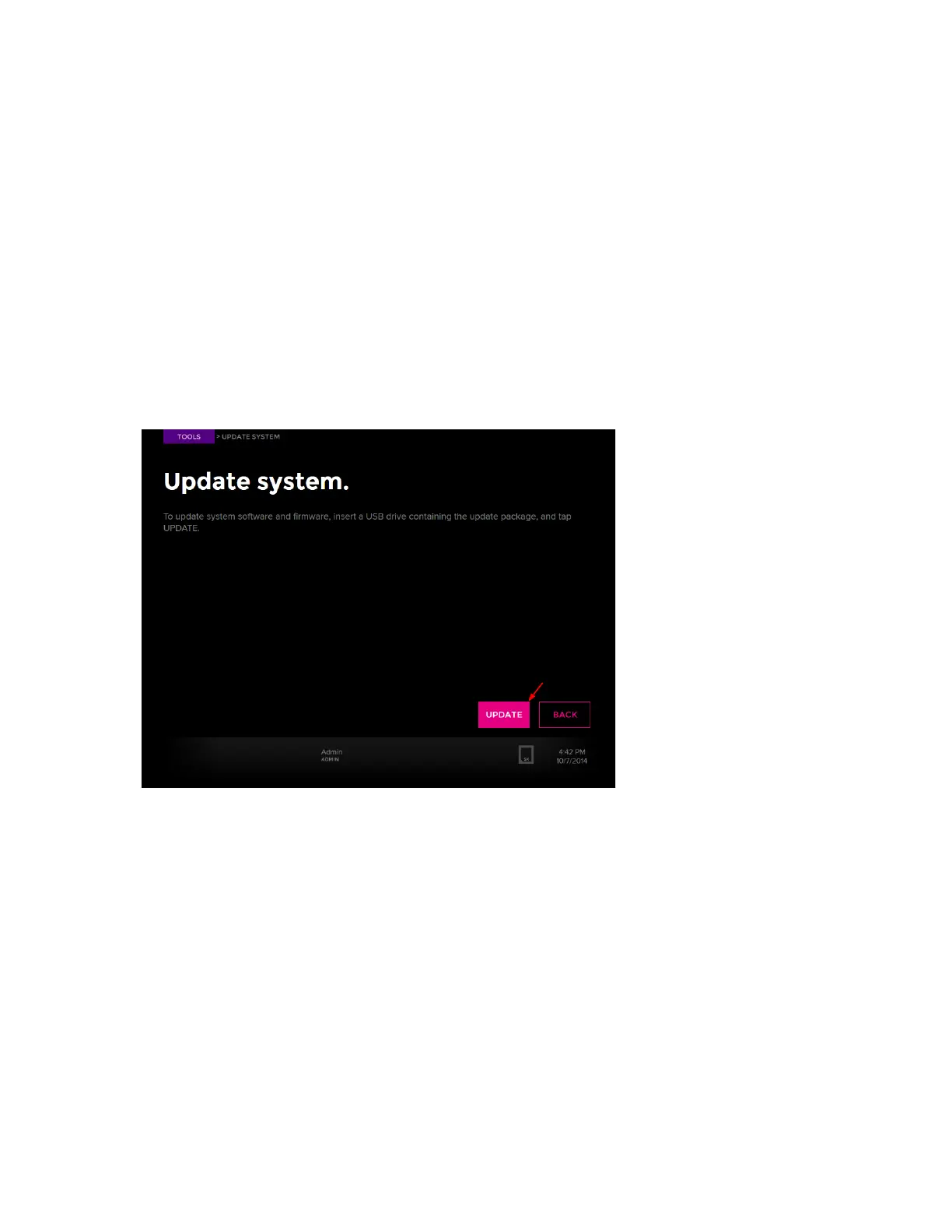
8 On the Update System screen, tap UPDATE:
The instrument reboots and displays the Start screen.
9 Tap TOOLS to ensure that the instrument installed the appropriate system software
version.
10 Unplug the USB from the instrument.



 To Next Page