Juno System: User Guide
36
Chapter 3: Using Advanced Features
of Juno
To use advanced operations on Juno™, such as managing users and scripts and updating the
system, log in as an administrator. To run basic features, use Juno as a guest. (See
Chapter 2: Getting Started with Juno on page 18.)
Log In
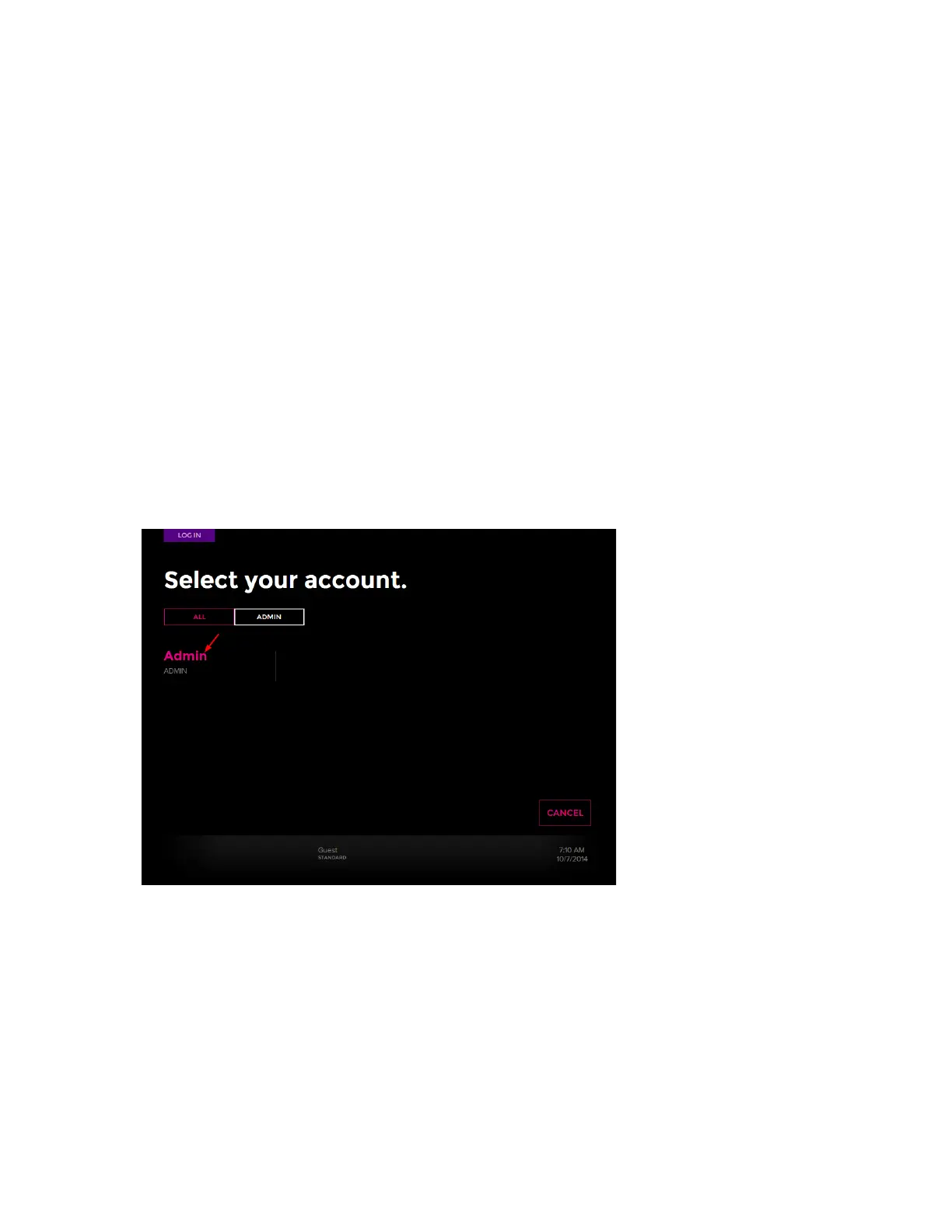
1 Tap LOG IN at lower left of the Start screen. The Log In screen displays.
2 Tap Admin in the appropriate tab (box) to log in as administrator, or log in with a specific
user account.
3 If you log in as the administrator, tap Admin below the tabs (boxes). You do not need a
password:
Log Out
1 On the Start screen, tap LOG OUT.
2 On the Login screen, tap LOG OUT.



 To Next Page