Juno System: User Guide
Appendix B: Preventive Maintenance, Decontamination, and Disposal
Preventive Maintenance
53
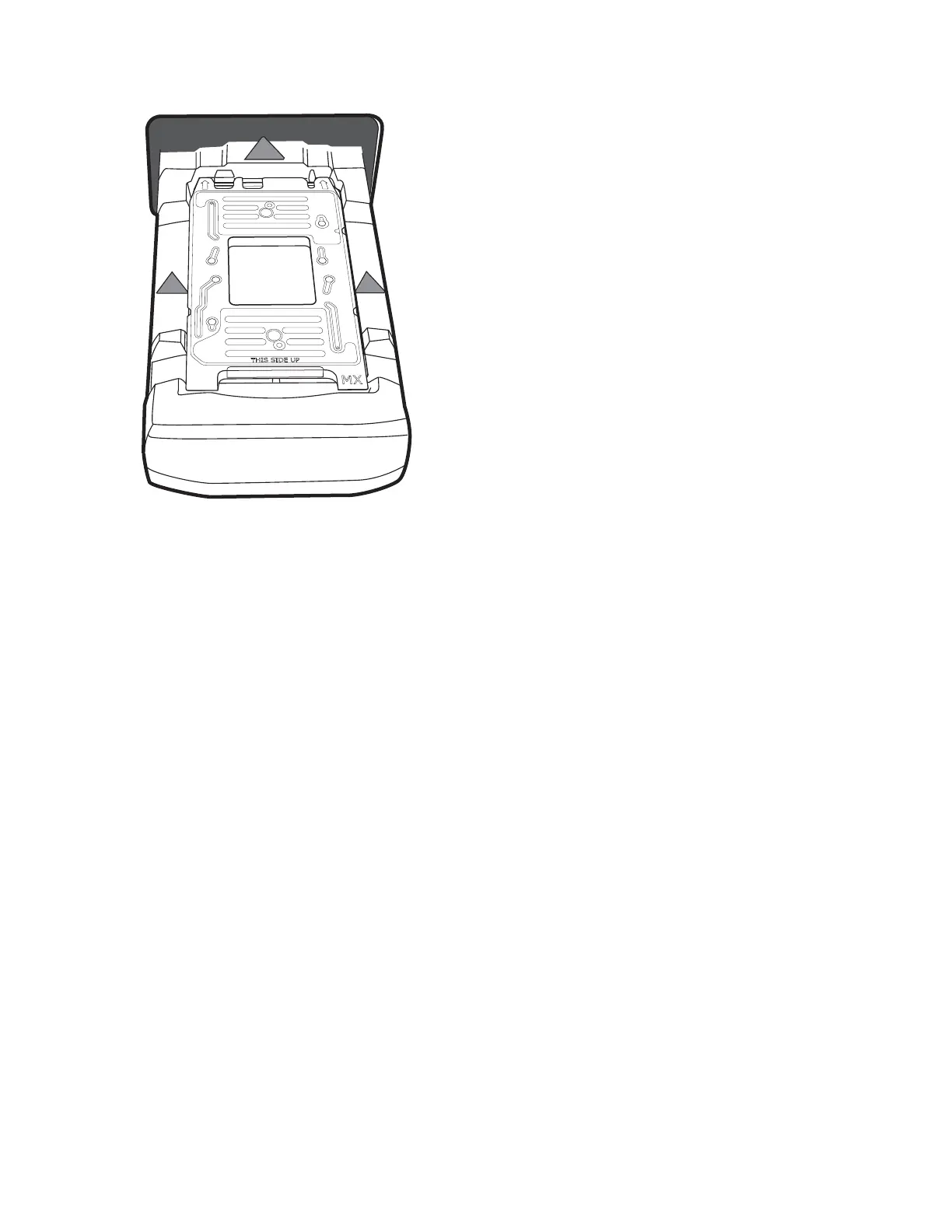
8 Tap INSTALL. The instrument installs the interface plate and ejects the fixture.
9 Remove the fixture and store it in the interface plate storage container.
10 Tap CLOSE, and then tap BACK twice to return to the Start screen.
Clean the Juno System
Clean the instrument after every 250 runs. After 250 runs, the instrument will not operate
until the instrument is cleaned.
1 Ensure that you have a new or cleaned and dust-free Cleaning Plate.
2 On the Start screen, tap TOOLS.
3 On the Tools screen, tap Clean System.
4 On the System Clean screen, tap CLEAN SYSTEM. The Clean system screen displays. If
there is an interface plate in the instrument, the instrument releases it.
5 If there is an interface plate in the tray, remove it.
6 Place the Cleaning Plate on the tray so that the notches are on the left side:



 To Next Page