Juno System: User Guide
Appendix B: Preventive Maintenance, Decontamination, and Disposal
Preventive Maintenance
54
7 Tap RUN and then CONFIRM. The instrument begins system cleaning, and the Running
“System cleaning” screen displays.
8 After system cleaning, remove the ejected Cleaning Plate.
9 Use a lint-free cloth and 70% ethanol or 70% isopropyl alcohol to gently wipe the top and
bottom of the Cleaning Plate to remove any debris, or appropriately dispose of the
Cleaning Plate.
10 If you want to install an interface plate in the instrument, proceed to the next step. If you
do not want to install an interface plate, skip to step 15.
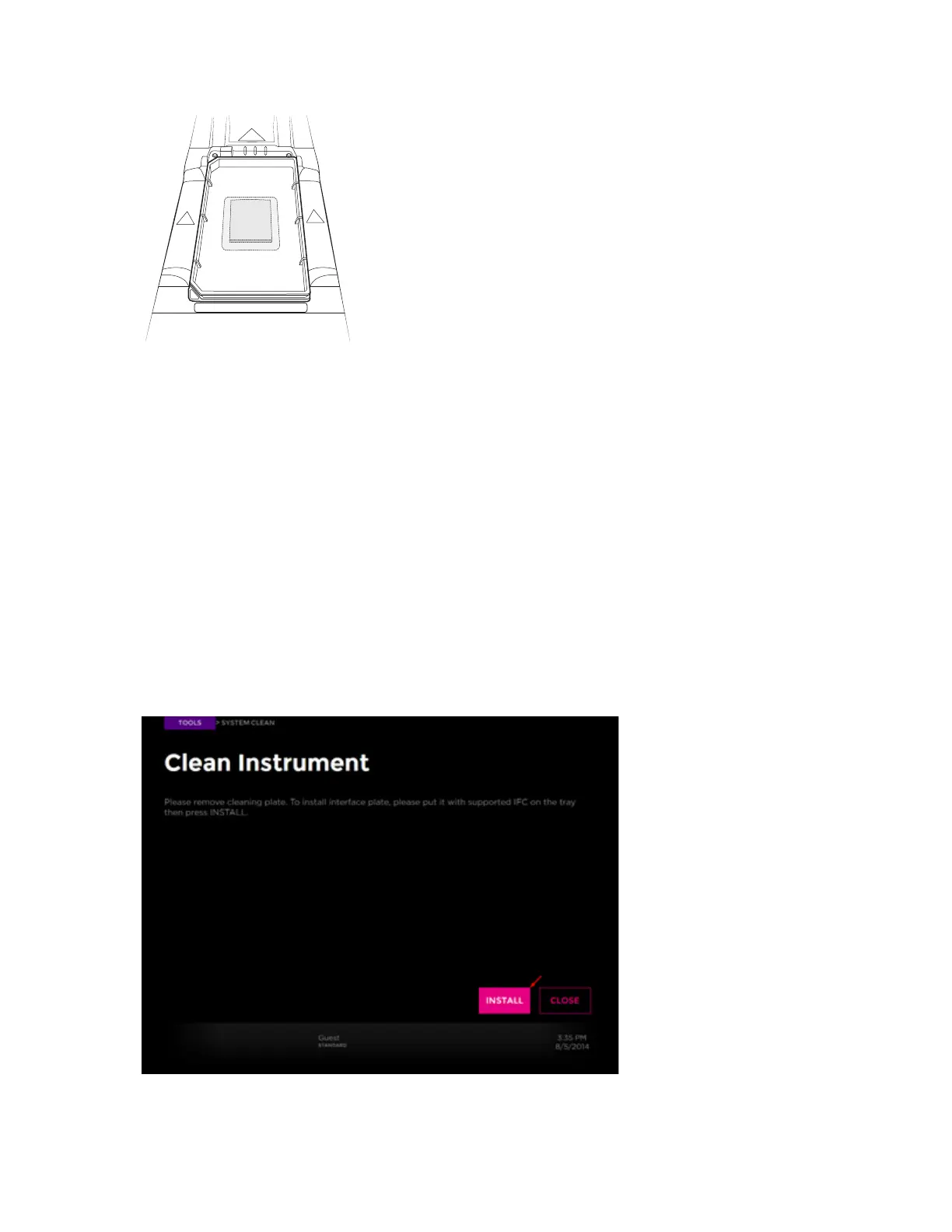
11 Insert the Interface Plate Loading Fixture on the tray in the direction of the arrows with
THIS SIDE UP facing up. Barcode numbers on the fixture label face out.
12 Seat the desired and cleaned interface plate securely on top of the fixture. Insert the
interface plate in the direction of the arrows with THIS SIDE UP facing up.
13 Tap INSTALL:



 To Next Page