Juno System: User Guide
Chapter 2: Getting Started with Juno
Export a Log
33
Export a Log
1 Plug a USB drive or equivalent storage device into a USB port of the instrument. Wait a
few seconds for the instrument to recognize the USB drive.
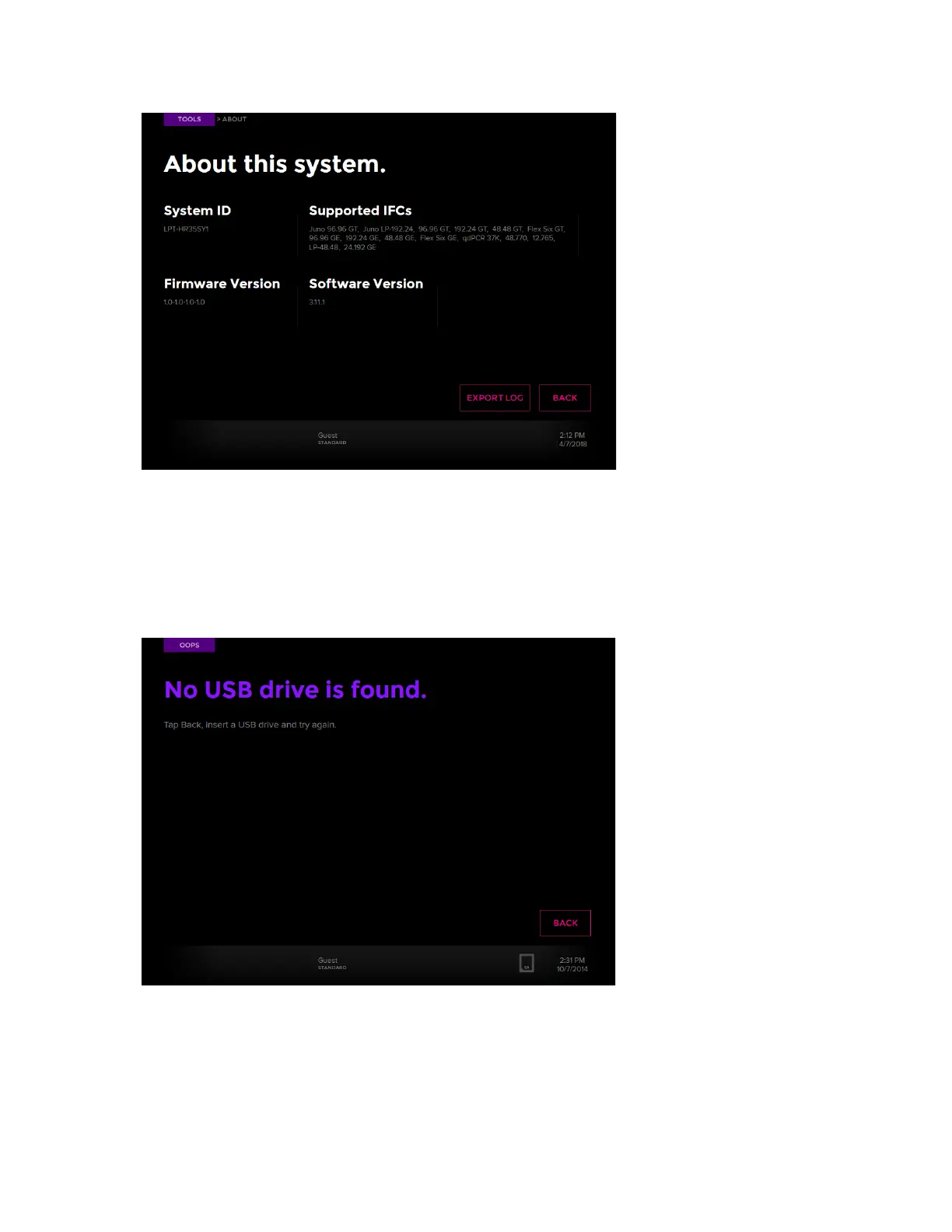
If the instrument cannot find the USB drive, the screen displays:
2 On the Start screen, tap TOOLS.
3 On the Tools screen, tap About This System.
4 On the About screen, tap EXPORT LOG. The instrument confirms it has exported the log
to the USB drive.



 To Next Page