Juno System: User Guide
Chapter 2: Getting Started with Juno
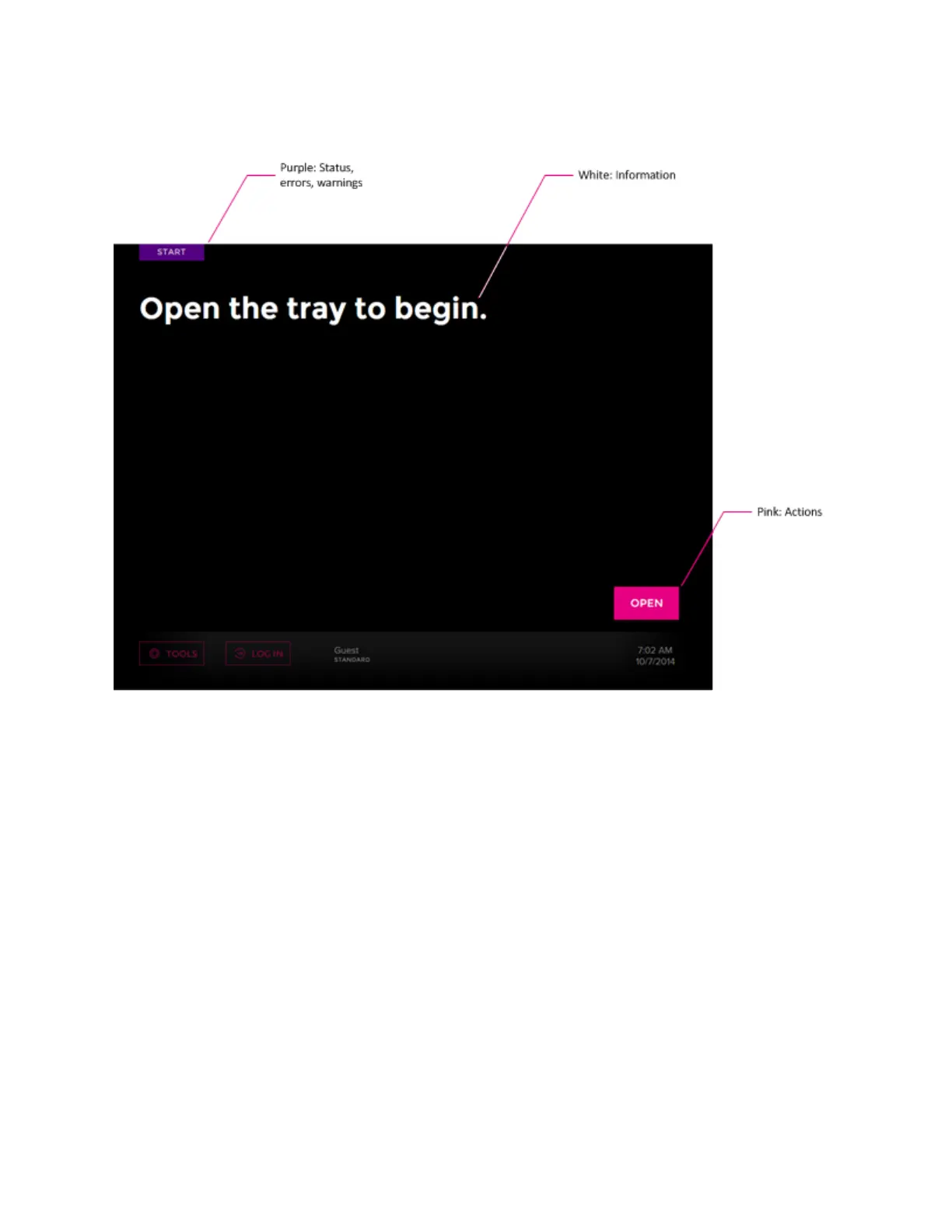
How to Use the Juno Touchscreen
20
How to Use the Juno Touchscreen
Start a Run
Load an IFC
1 See the appropriate Fluidigm documentation to prepare an IFC for loading the
instrument. For related documentation, go to fluidigm.com/documents
2 Install the appropriate interface plate according to Table 1 on page 10. (See Components
of the Juno System on page 8, Install an Interface Plate on page 29, and Switch an
Interface Plate on page 26.)



 To Next Page