Juno System: User Guide
Chapter 2: Getting Started with Juno
Start a Run
21
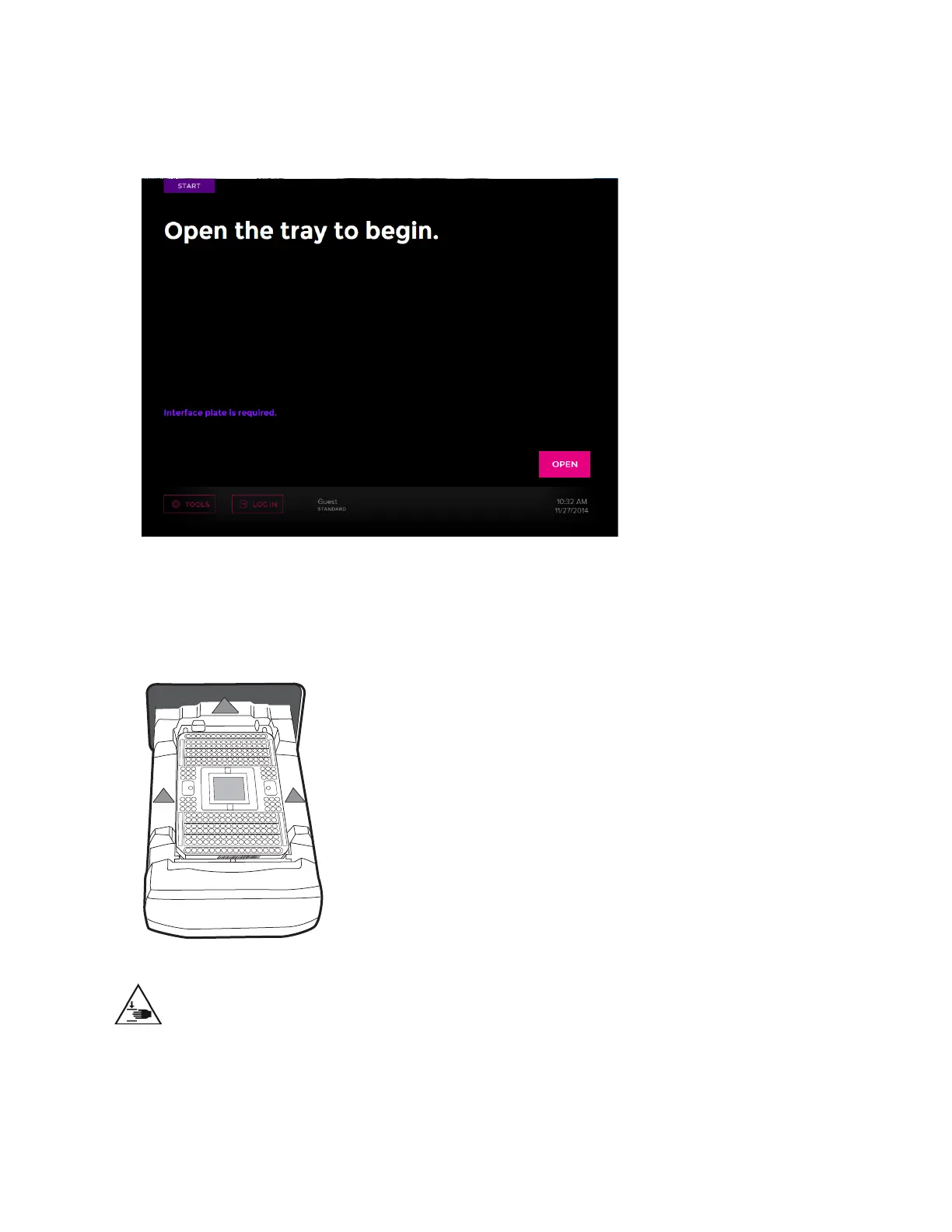
NOTE If you have not yet installed an interface plate, the screen displays “Interface plate
is required.” (See the following figure.) If you tap OPEN without installing an interface
plate, the No Interface Plate is Installed screen displays. Tap Install Interface Plate.
3 Tap OPEN.
4 Place the IFC onto the tray by aligning the notched corner of the IFC to the white notch
on the tray. Barcode numbers on the IFC label face out:
;
CAUTION PINCH HAZARD. The instrument door and tray can pinch your hand.
Make sure your fingers, hands, and shirtsleeves are clear of the door and tray when
loading or ejecting an integrated fluidic circuit (IFC).



 To Next Page