Juno System: User Guide
Chapter3:Using Advanced Features ofJuno
Modify Scripts
40
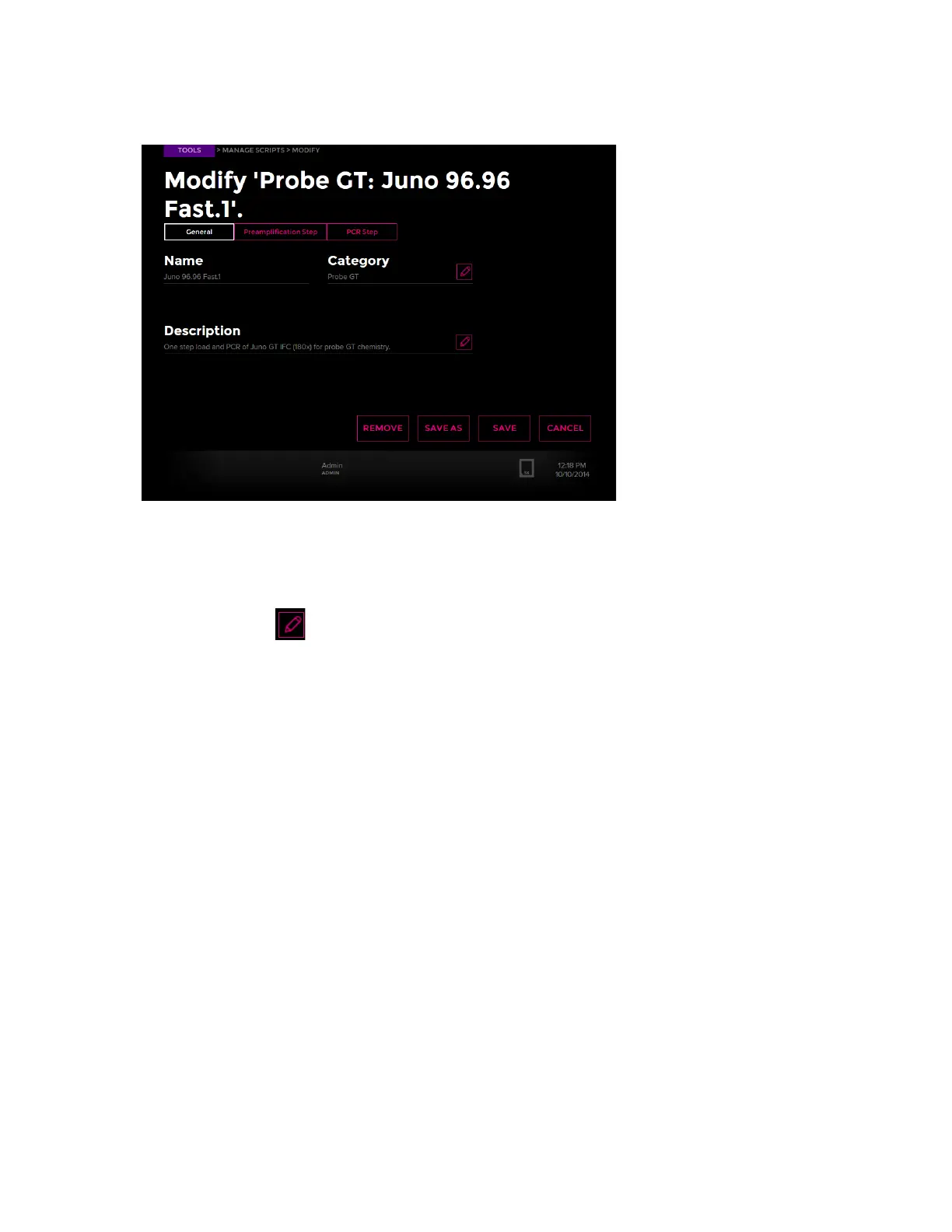
6 Tap the script name to modify the general or thermal properties of the script:
To Change General Properties of a Script
1 On the Modify screen, tap the saved script to modify. (See To View the Scripts to Modify
on page 39.)
2 Tap the edit button to change the category or description. Tap OK.
3 Tap SAVE to overwrite the script or SAVE AS to create a new script.
To Change Thermal Properties of a Script
1 On the Modify screen, tap the saved script to modify. (See To View the Scripts to Modify
on page 39.)



 To Next Page