Juno System: User Guide
Chapter 2: Getting Started with Juno
Start a Run
24
Schedule the Harvest with the LP 192.24 IFC or LP 48.48 IFC
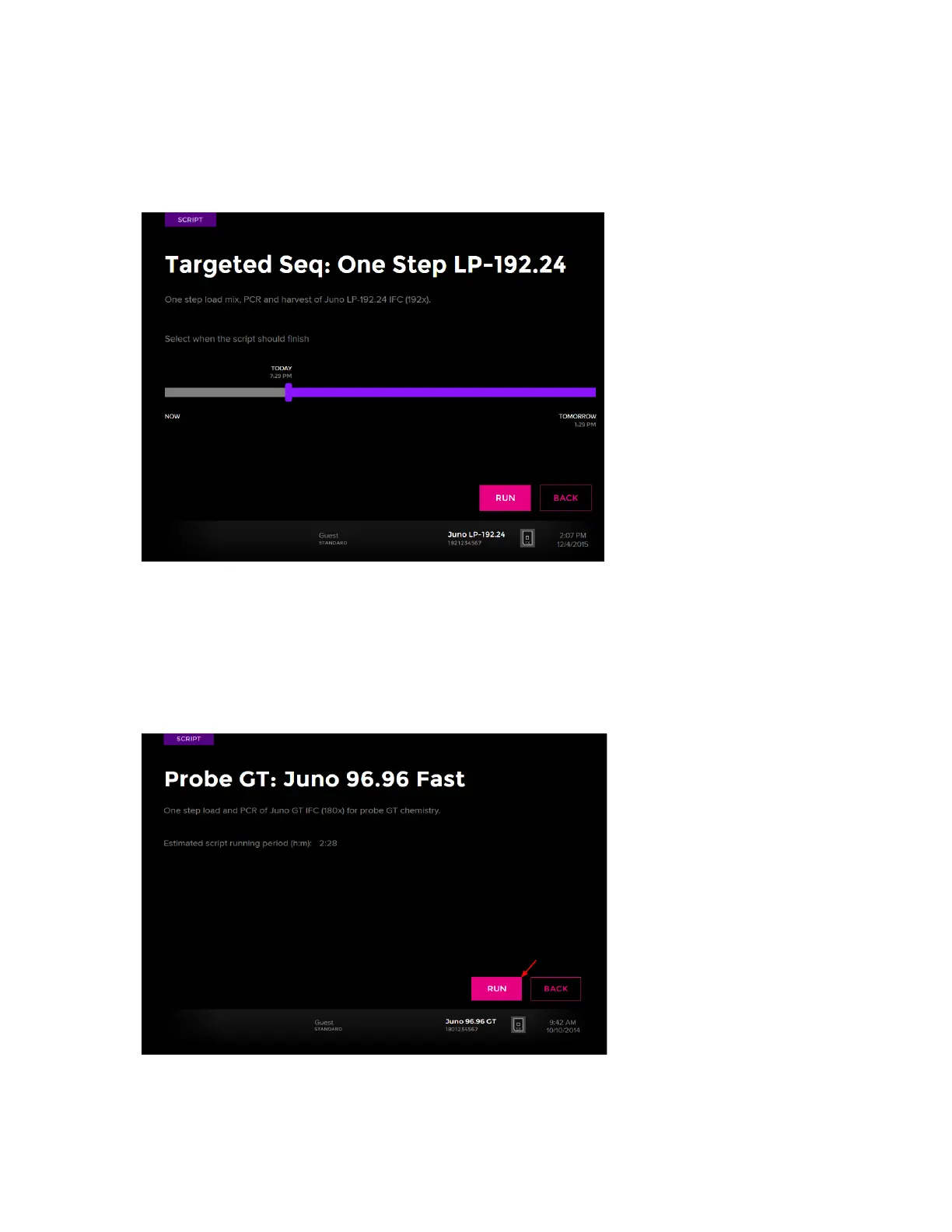
1 Select the appropriate script to run the LP 192.24 IFC or LP 48.48 IFC.
2 Slide the vertical marker along the bar to set the harvest time. For example:
Run a Script
NOTE You can run a script only if the script is on the instrument or it has been imported from
a USB drive. Available scripts are defined by the IFC barcodes.
1 Tap RUN. For example:



 To Next Page