Juno System: User Guide
Chapter 1: Introducing the Juno System
Interface Plates and IFCs
10
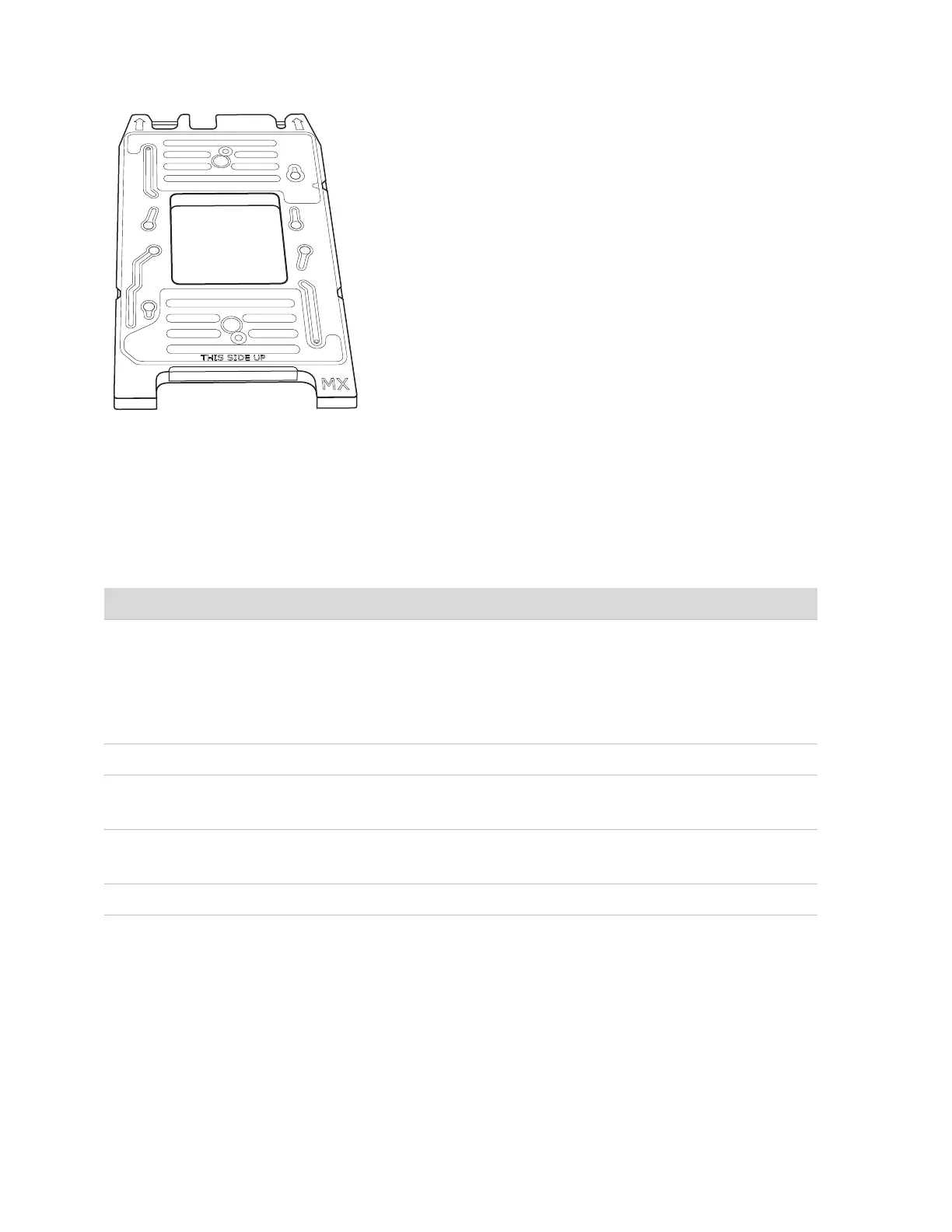
Figure 5. MX Interface Plate
Interface Plates and IFCs
Table 1 shows the appropriate interface plate for the IFC you are using.
Table 1. Interface plates and supported IFCs
System Software
Ensure that you have installed the Juno system software v3.1 or later if you are using the
Juno 96.96 Genotyping IFC. Install software v3.5 or later if you are using the Juno 96.96
Genotyping IFC or an IFC for the Targeted DNA Sequencing Library application. Install
software v3.11.1 or later if you are using the 24.192 Dynamic Array IFC for Gene Expression.
To get the latest system software, go to fluidigm.com/software.
Interface Plate Name Label Color on Interface Plate Supports…
MX Black 48.48 Dynamic Array™ IFCs
LP 48.48 IFC
qdPCR 37K™ IFC
48.770 Digital Array™ IFC
12.765 Digital Array IFC
SX Silver Juno 96.96 Genotyping IFC
HX Green 96.96 Dynamic Array IFCs
Flex Six™ Genotyping and Gene Expression IFCs
RX Red 192.24 Genotyping and Gene Expression IFCs
24.192 Dynamic Array IFC for Gene Expression
TX Blue LP 192.24 IFC



 To Next Page