830
Users Manual
94
Use the navigation keys to select the foot to be measured. Press
ENTER
to conrm
foot selection.
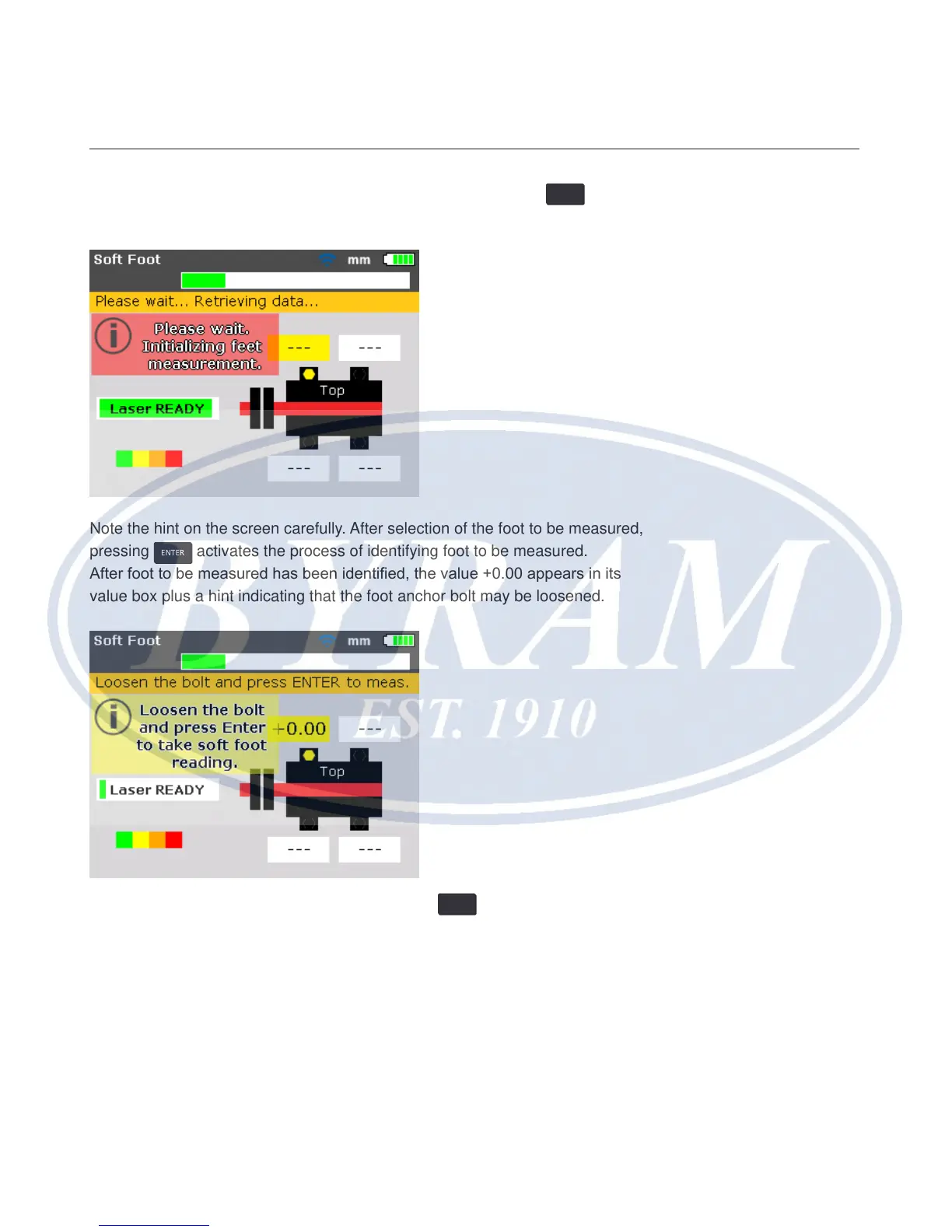
Note the hint on the screen carefully. After selection of the foot to be measured,
pressing
ENTER
activates the process of identifying foot to be measured.
After foot to be measured has been identied, the value +0.00 appears in its
value box plus a hint indicating that the foot anchor bolt may be loosened.
Loosen the corresponding anchor bolt then press
ENTER
.



 To Next Page