830
Users Manual
124
Updating the 830 rmware to a newer version
Note
● The Product rmware updates are carried out with the use of the
approved FLUKE USB memory stick.
● Check the website www.uke.com to ensure you have the latest version. If
in doubt, contact FLUKE.
● If you are acquiring the update via the website, you will be required
to transfer it to the approved memory stick before commencing the
upgrading.
Note
Old memory sticks must be disposed of in accordance to the directive on
Waste Electrical and Electronic Equipment (WEEE).
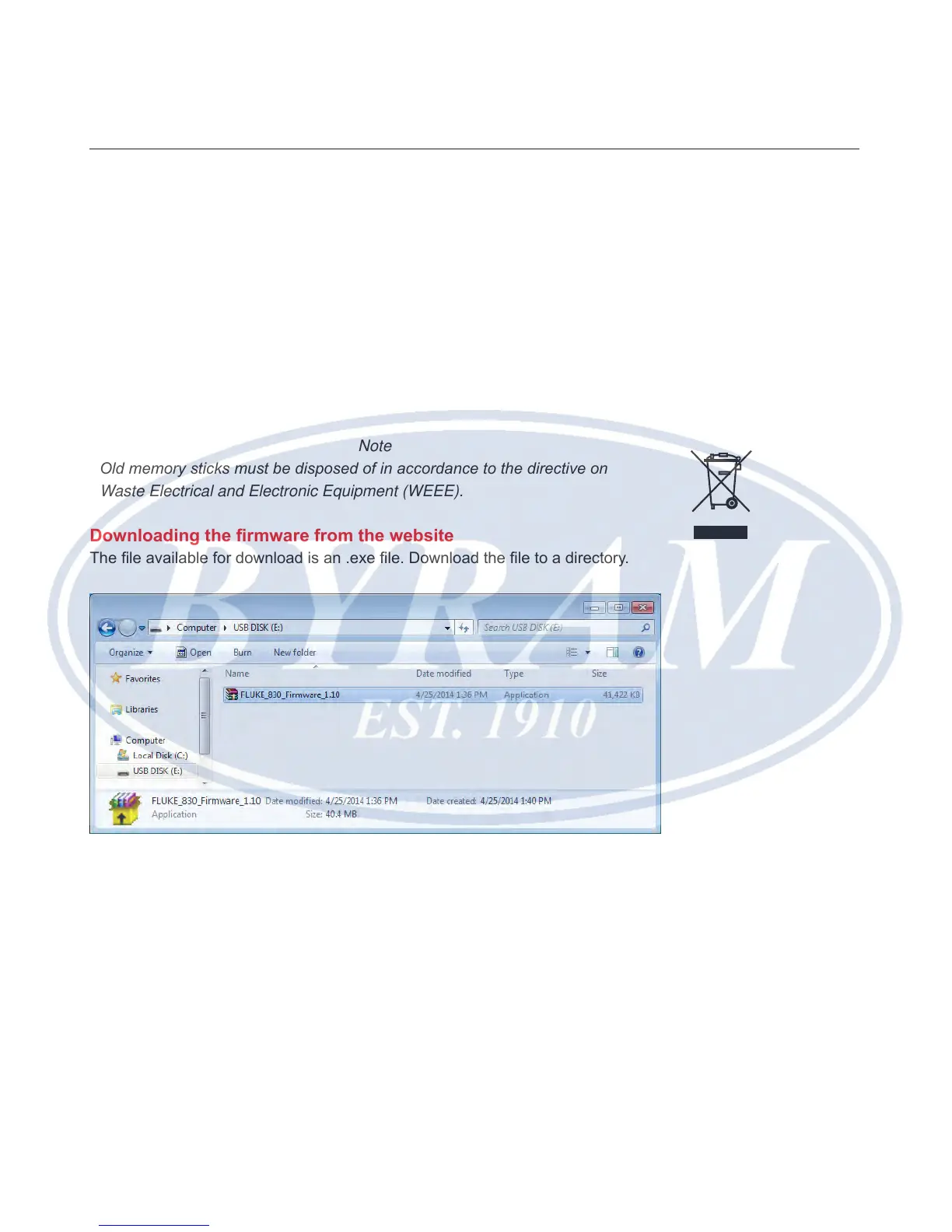
Downloading the rmware from the website
The le available for download is an .exe le. Download the le to a directory.
Double-click the le to extract it to the approved memory stick. The following
screen with instructions on how to extract the rmware les into the memory stick
appears.



 To Next Page