830
Users Manual
58
Machine set-up
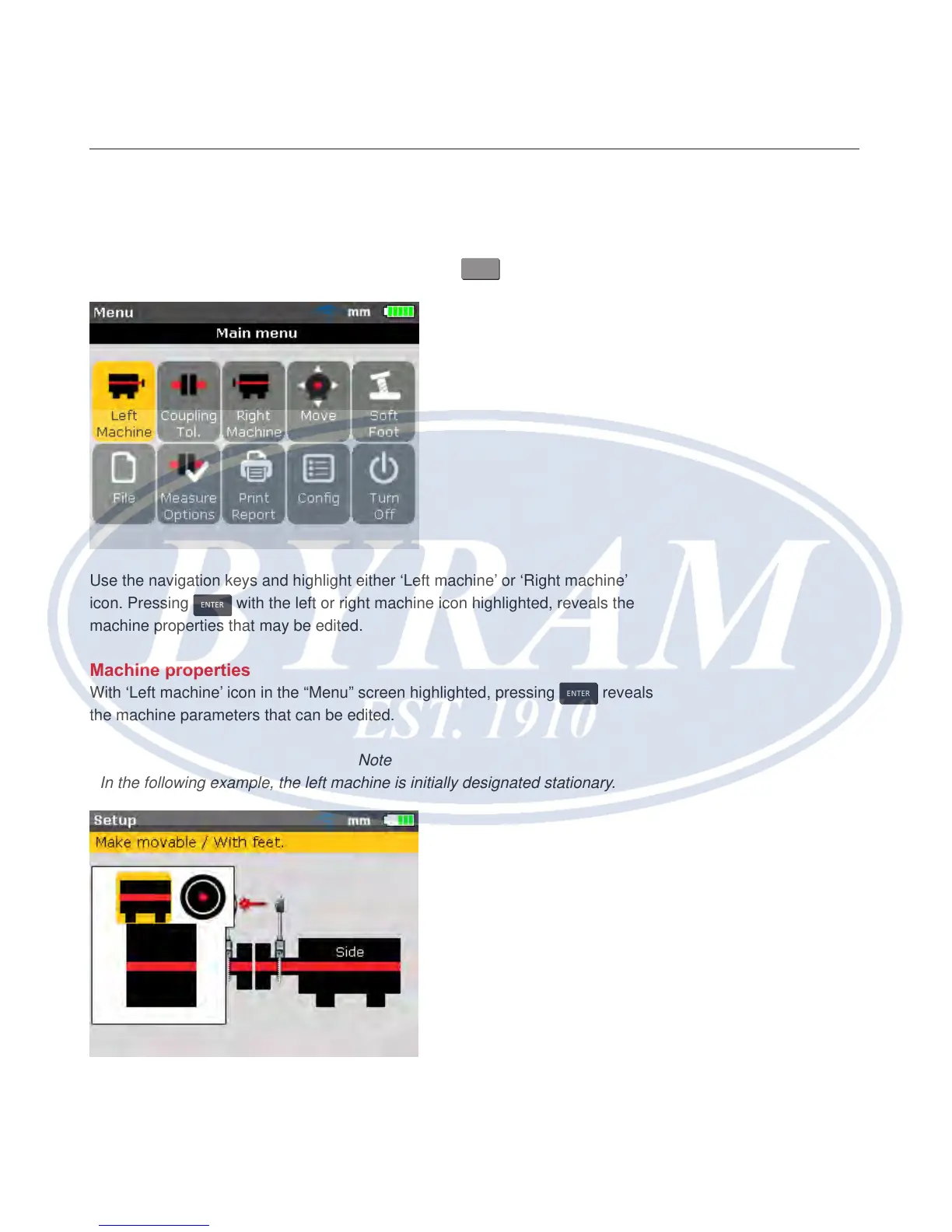
Machine properties may be set via the menu items ‘Left machine’ or ‘Right
machine’. The menu screen is accessed by pressing
MENU
.
Use the navigation keys and highlight either ‘Left machine’ or ‘Right machine’
icon. Pressing
ENTER
with the left or right machine icon highlighted, reveals the
machine properties that may be edited.
Machine properties
With ‘Left machine’ icon in the “Menu” screen highlighted, pressing
ENTER
reveals
the machine parameters that can be edited.
Note
In the following example, the left machine is initially designated stationary.
Machines may be designated either stationary or movable or the ange position
can be dened.



 To Next Page