830
Users Manual
54
Enter machine dimensions
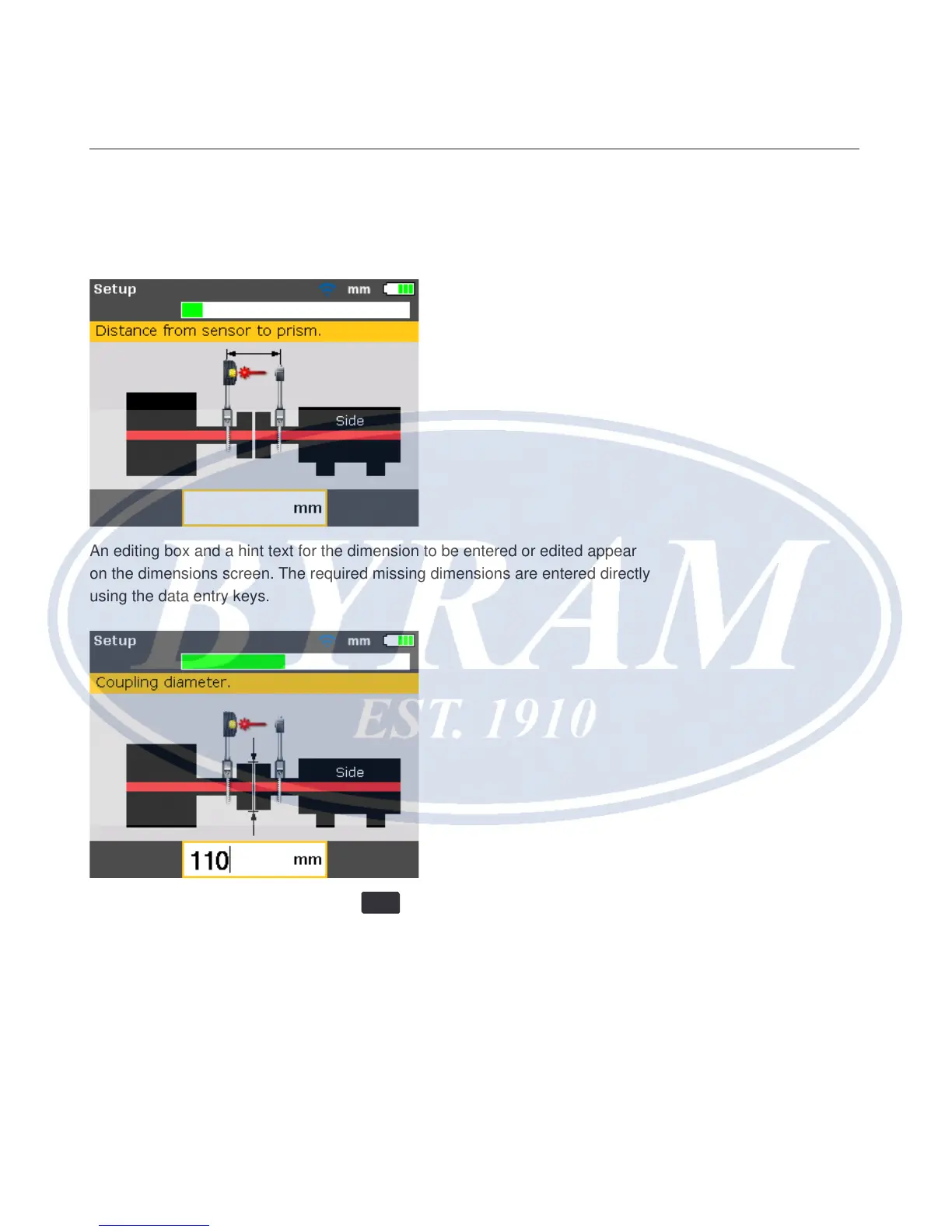
Machine dimensions are entered using the grey data entry keys.
An editing box and a hint text for the dimension to be entered or edited appear
on the dimensions screen. The required missing dimensions are entered directly
using the data entry keys.
Conrm the entered value by pressing
ENTER
. The dimension arrows advances
automatically to the next required dimension.



 To Next Page