35
About application
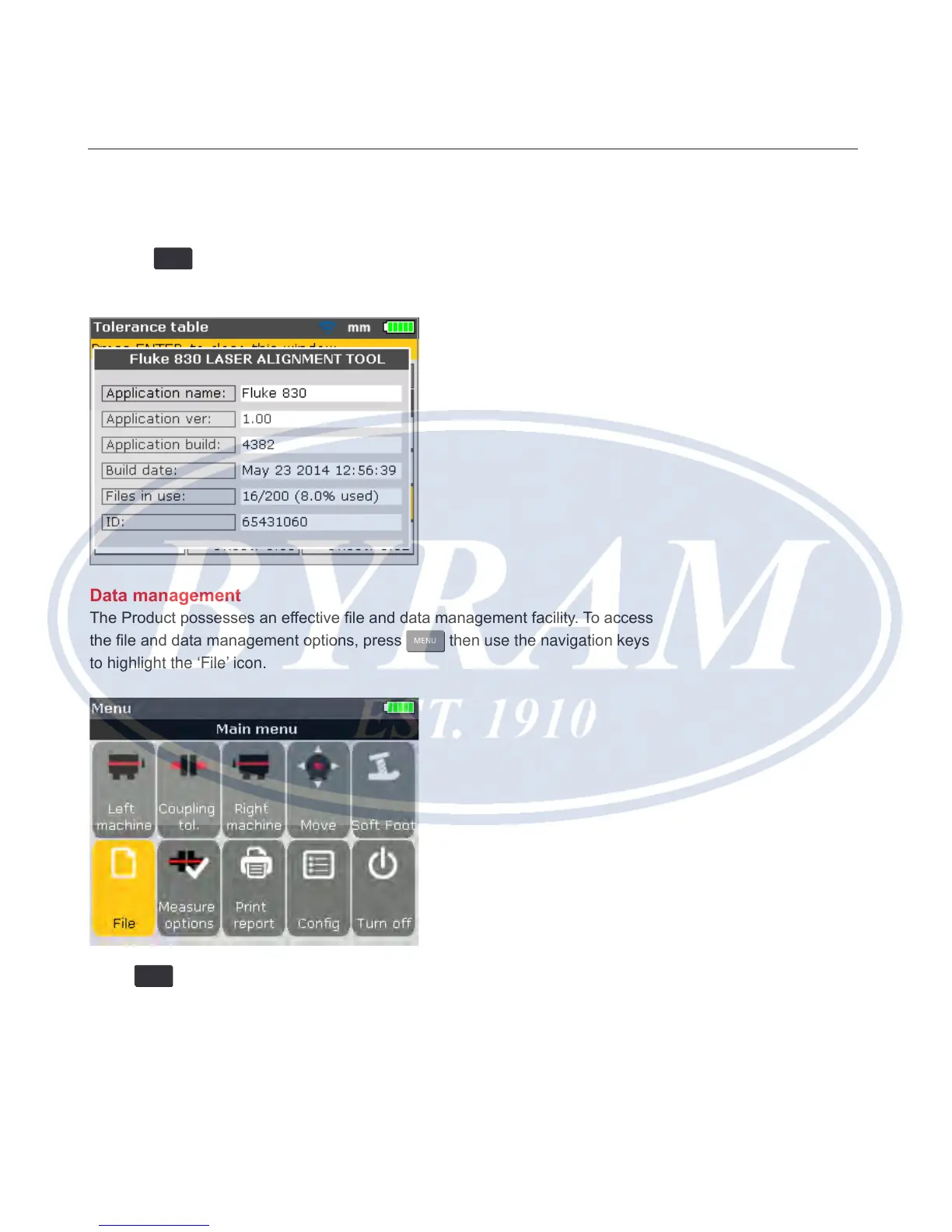
The information contained under this section is accessed by highlighting the
‘About’ icon while in the conguration menu screen. Conrm selection by
pressing
ENTER
. The displayed information depicts the current status of the device
and application.
Data management
The Product possesses an effective le and data management facility. To access
the le and data management options, press
MENU
then use the navigation keys
to highlight the ‘File’ icon.
Press
ENTER
to conrm selection. The “File menu” screen appears.
Configuration and data management
About application



 To Next Page