830
Users Manual
52
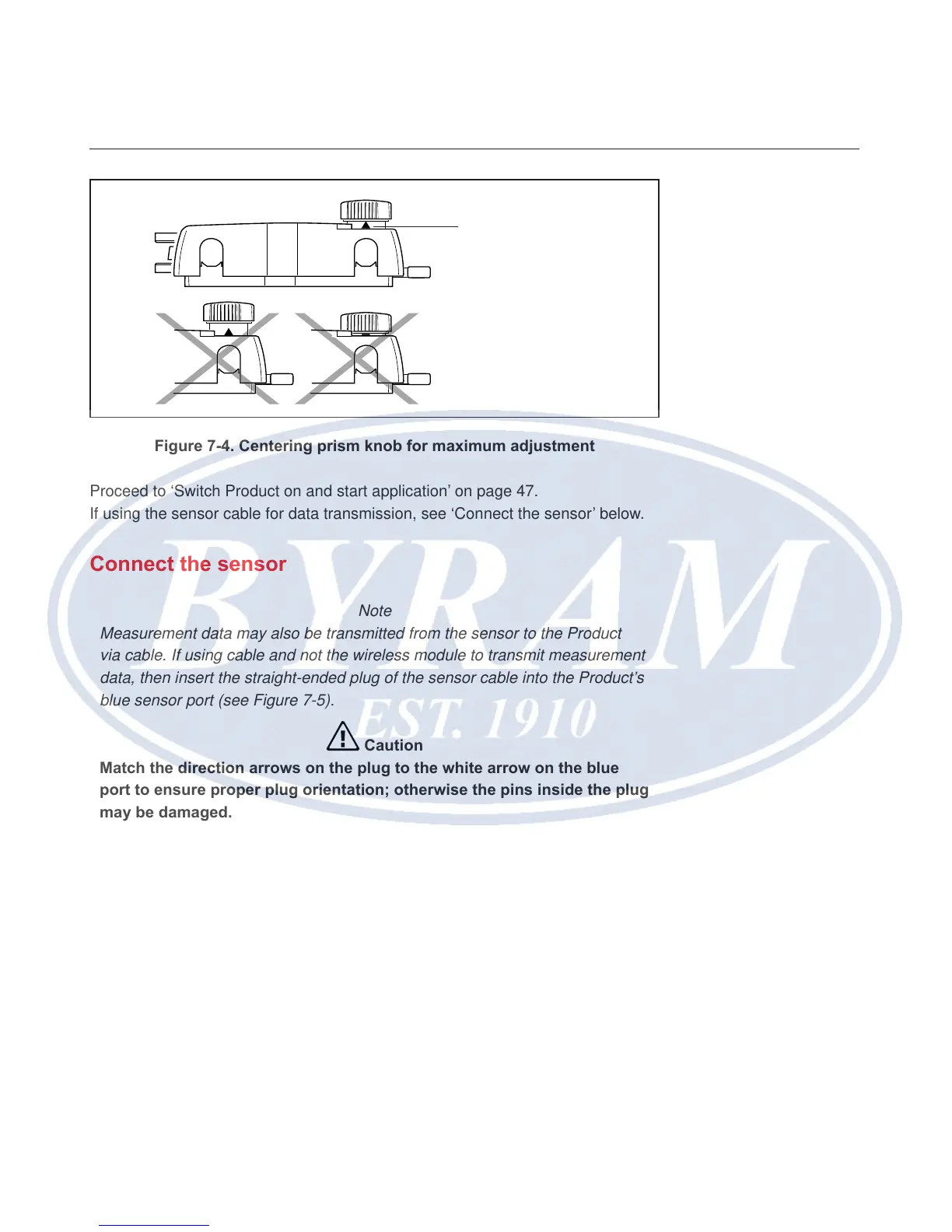
Figure 7-4. Centering prism knob for maximum adjustment
Proceed to ‘Switch Product on and start application’ on page 47.
If using the sensor cable for data transmission, see ‘Connect the sensor’ below.
Connect the sensor
Note
Measurement data may also be transmitted from the sensor to the Product
via cable. If using cable and not the wireless module to transmit measurement
data, then insert the straight-ended plug of the sensor cable into the Product’s
blue sensor port (see Figure 7-5).
Caution
Match the direction arrows on the plug to the white arrow on the blue
port to ensure proper plug orientation; otherwise the pins inside the plug
may be damaged.
Note
Instructions on how to replace the wireless module cable with the sensor cable
are in the ‘Appendix’.
Arrow
Match the height of the
yellow knob approximately
to the tip of the arrow



 To Next Page