23
Switch the wireless module on
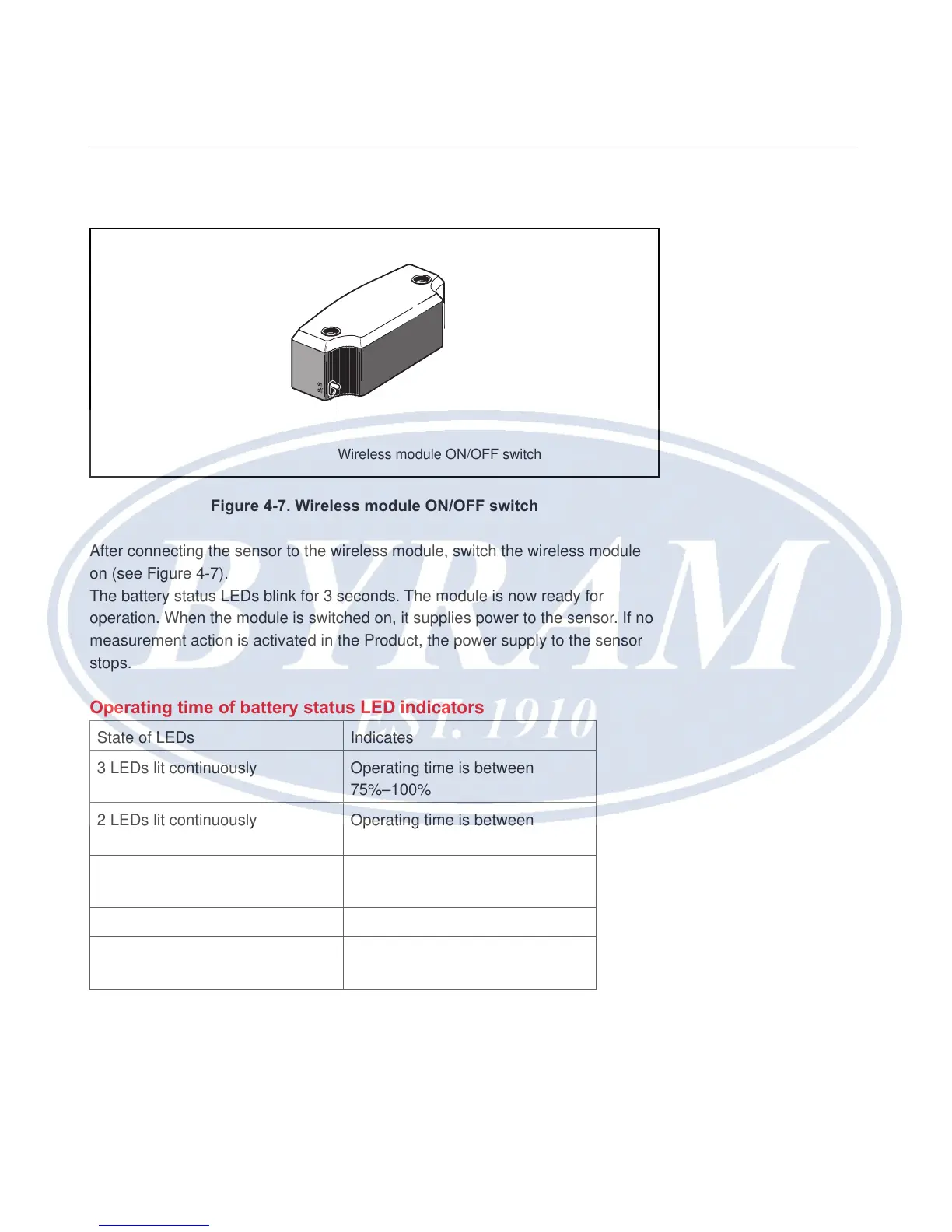
Figure 4-7. Wireless module ON/OFF switch
After connecting the sensor to the wireless module, switch the wireless module
on (see Figure 4-7).
The battery status LEDs blink for 3 seconds. The module is now ready for
operation. When the module is switched on, it supplies power to the sensor. If no
measurement action is activated in the Product, the power supply to the sensor
stops.
Operating time of battery status LED indicators
State of LEDs Indicates
3 LEDs lit continuously Operating time is between
75%–100%
2 LEDs lit continuously Operating time is between
50%–75%
1 LED lit continuously Operating time is between
25%–50%
Only 1 LED blinking (slowly) Operating time is under 25%
Only 1 LED blinking (very fast) Operating time in critical phase.
Measurement should not be taken
Note
The operating time may vary signicantly depending on the type of batteries
used.
Wireless module ON/OFF switch
Overview
Wireless module



 To Next Page