53
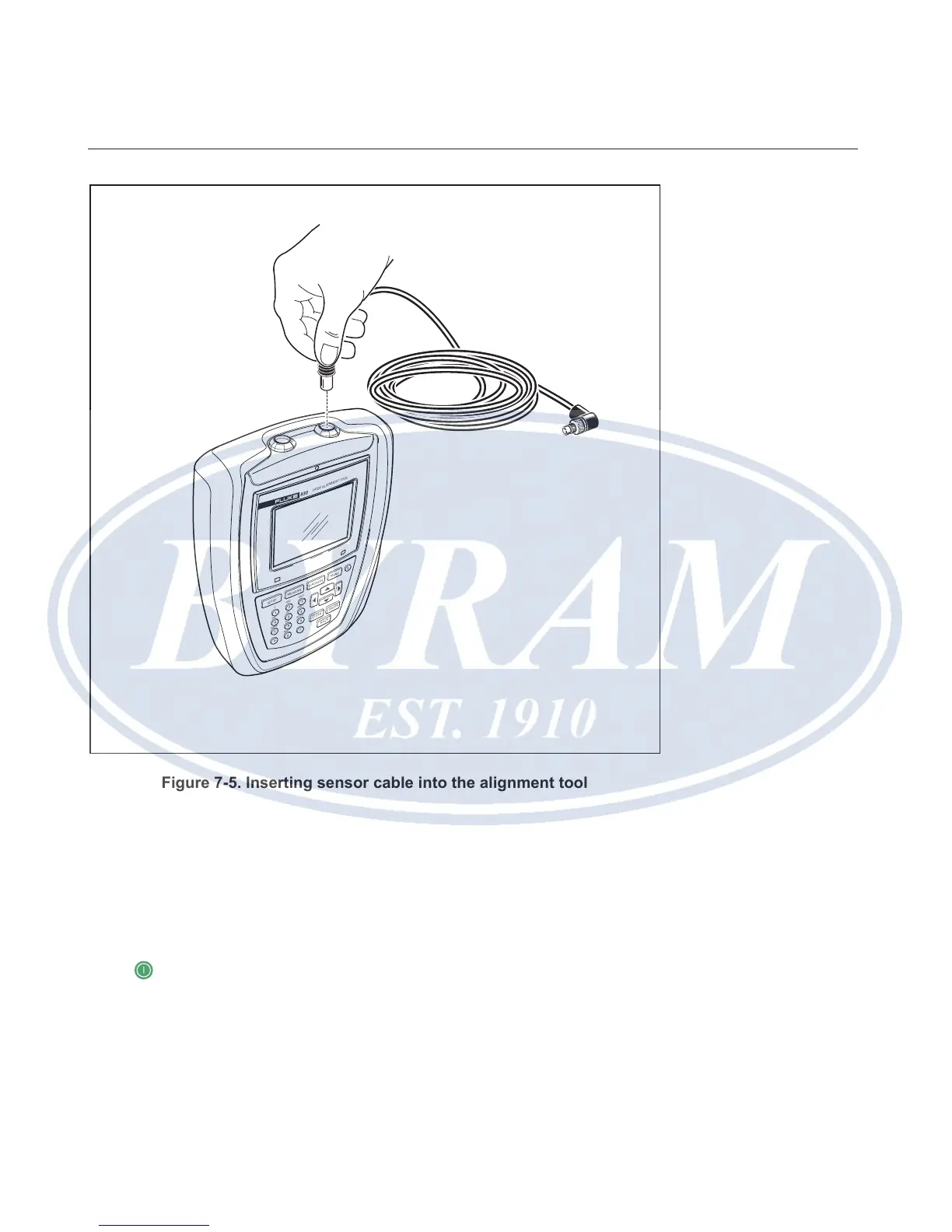
Figure 7-5. Inserting sensor cable into the alignment tool
Disconnecting the sensor cable
To disconnect, grasp the ribbed collar of the sensor plug and carefully pull it out
of the computer sensor port.
Switch Product on and start application
Press and hold down for a few seconds. The Product’s right LED lights up
followed by a beep. Shortly afterwards, the “Setup” screen appears.
SETUP
MEASURE
DIAGNOSE
MENU
CLEAR
ENTER
BACK
1
2
ABC
3
DEF
4
GHI
5
JKL
6
MNO
7
PQRS
8
TUV
9
WXYZ
+
-
0
space
.
/
.
830
LASER AL IGNMENT TOOL
Horizontal shaft alignment
Start application



 To Next Page