131
Sensor rmware update
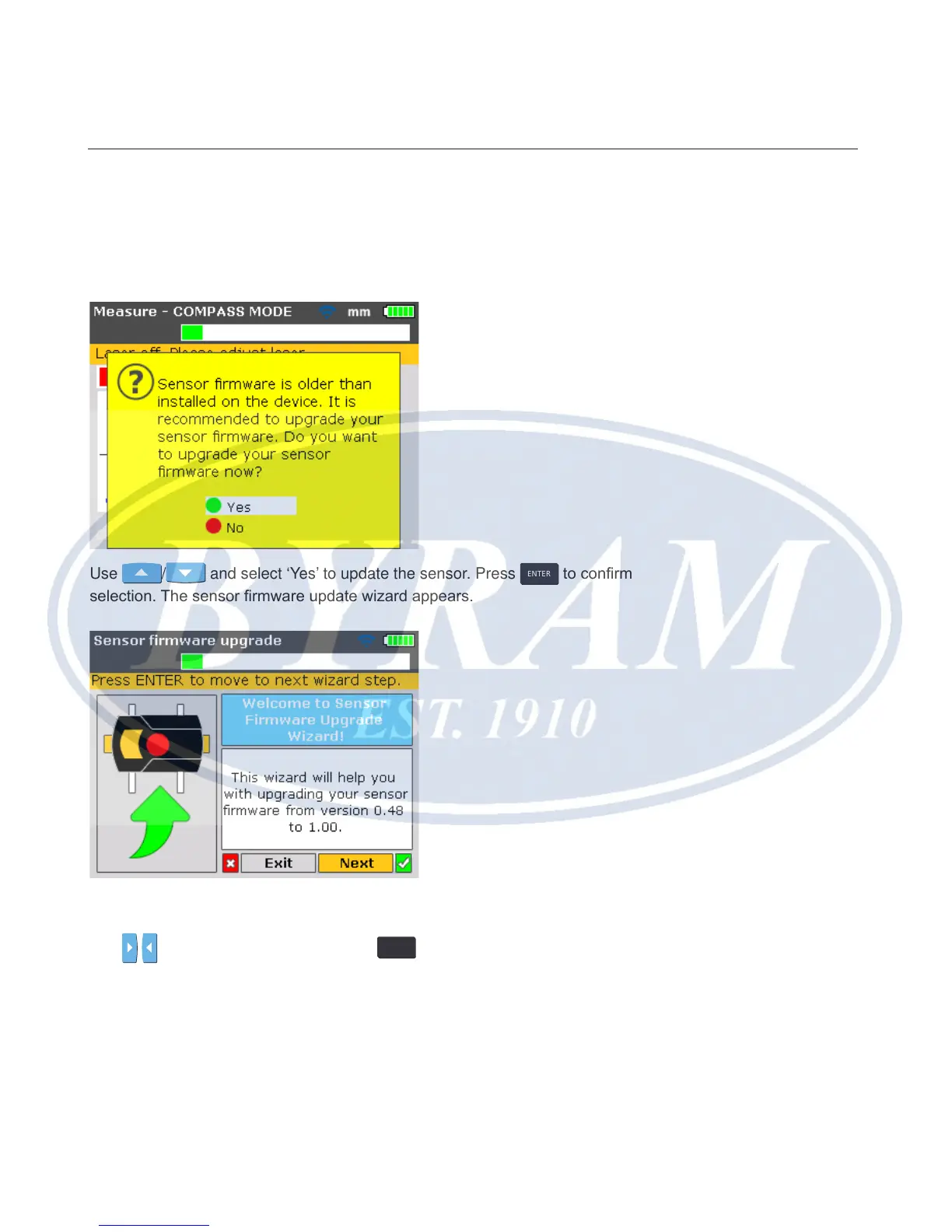
If a sensor with an older rmware version is connected to the Product, a hint
indicating that the sensor rmware requires updating appears on the display.
Use
/ and select ‘Yes’ to update the sensor. Press
ENTER
to conrm
selection. The sensor rmware update wizard appears.
The wizard guides the user through the sensor rmware update in self-explana-
tory steps.
Use
/ and highlight ‘Next’ then press
ENTER
to conrm selection. A hint
appears indicating the expected duration of the rmware update.
Appendix
Sensor firmware update



 To Next Page