830
Users Manual
132
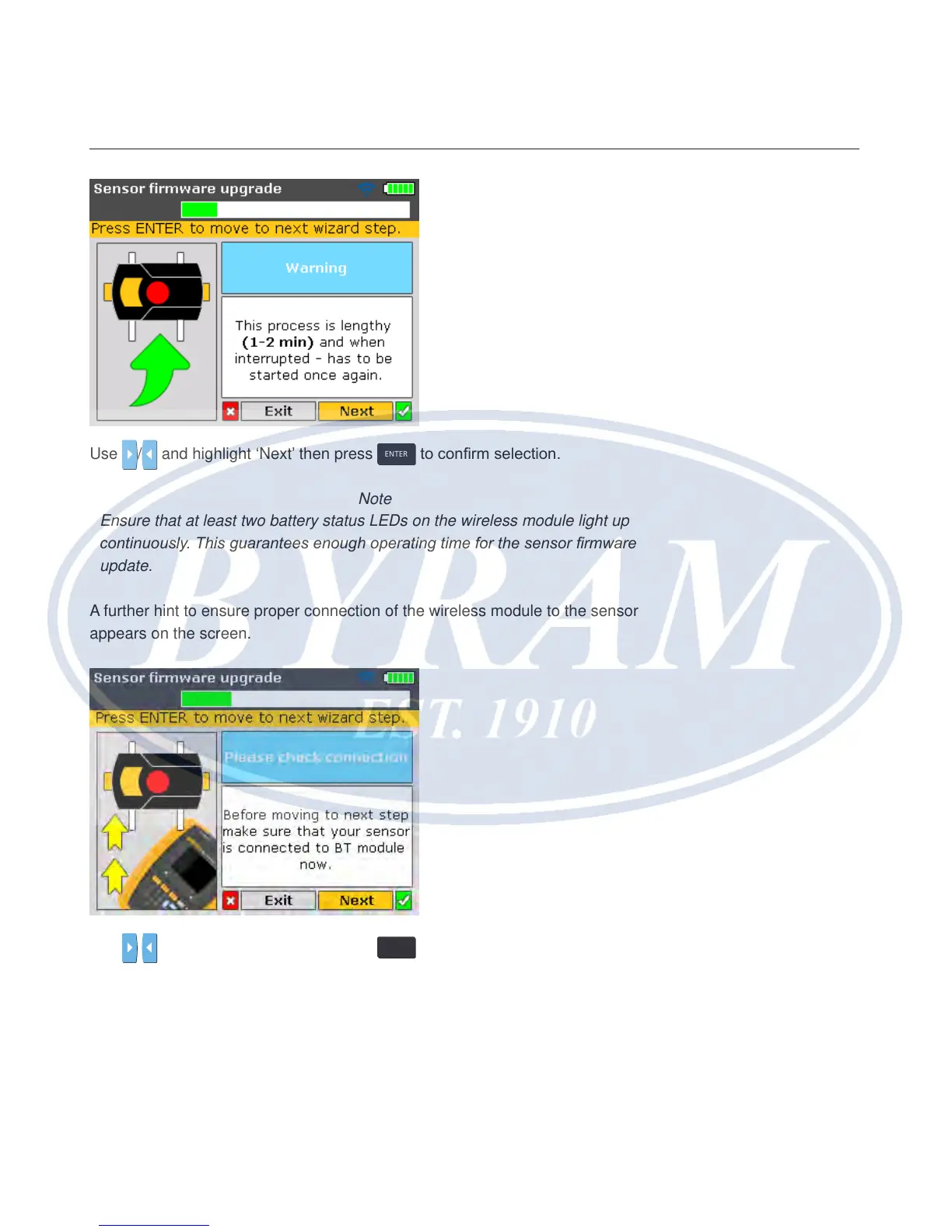
Use / and highlight ‘Next’ then press
ENTER
to conrm selection.
Note
Ensure that at least two battery status LEDs on the wireless module light up
continuously. This guarantees enough operating time for the sensor rmware
update.
A further hint to ensure proper connection of the wireless module to the sensor
appears on the screen.
Use
/ and highlight ‘Next’ then press
ENTER
to proceed with the sensor
rmware update.



 To Next Page