41
Wireless measurement
Note
The measurement mode that will be described here is ‘Compass’ mode. In
this mode, measurement points are taken at any 3 of the 8 available sectors.
‘Compass’ mode and ‘Clock’ modes are the default measurement modes for
horizontal and vertical machines respectively.
Switch the wireless module on using its little silver toggle switch. This will power
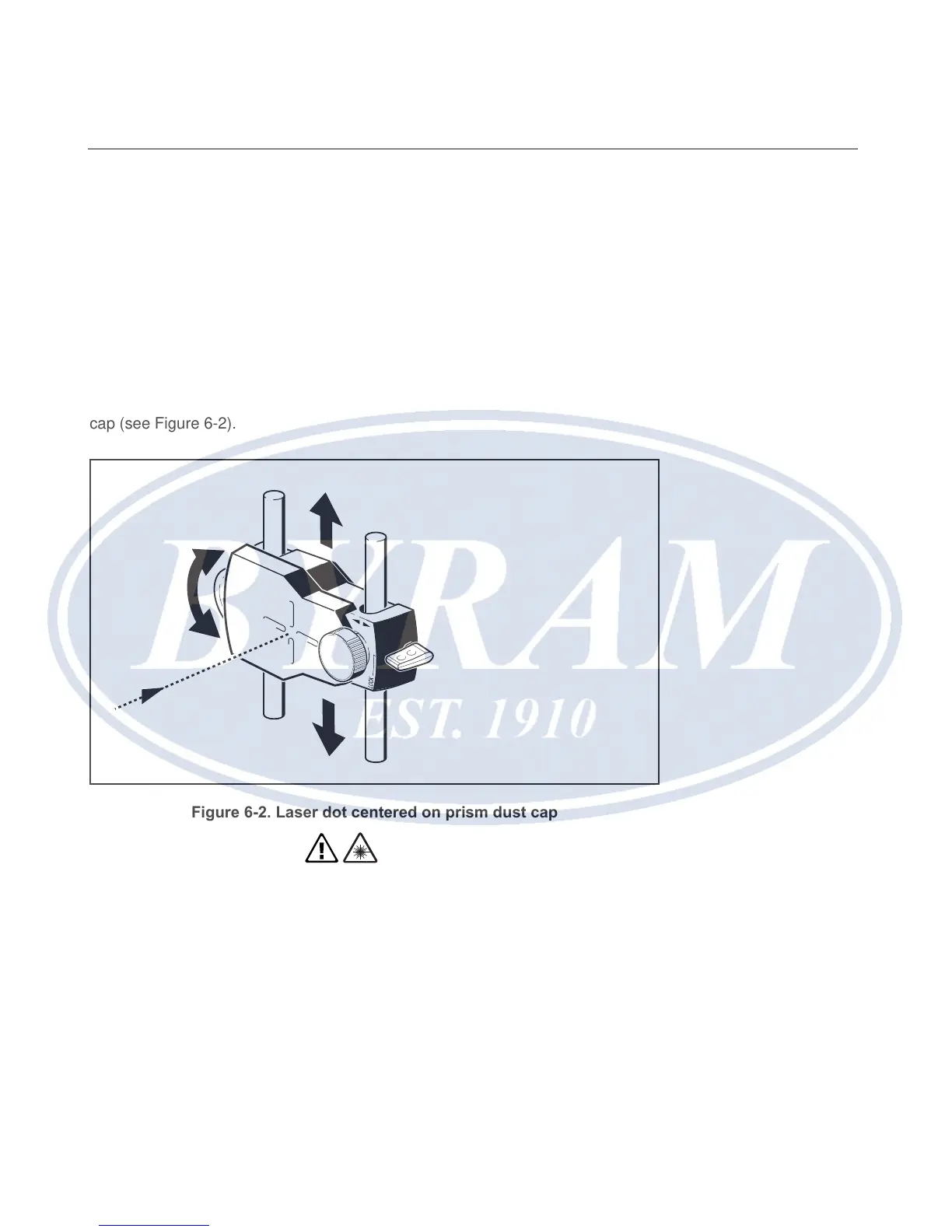
the sensor and initialize the laser beam. Center the laser dot on the prism dust
cap (see Figure 6-2).
Figure 6-2. Laser dot centered on prism dust cap
Warning
Do not stare into beam.
Getting started
Wireless measurement



 To Next Page