830
Users Manual
40
Use the data entry keys to directly enter all required dimensions.
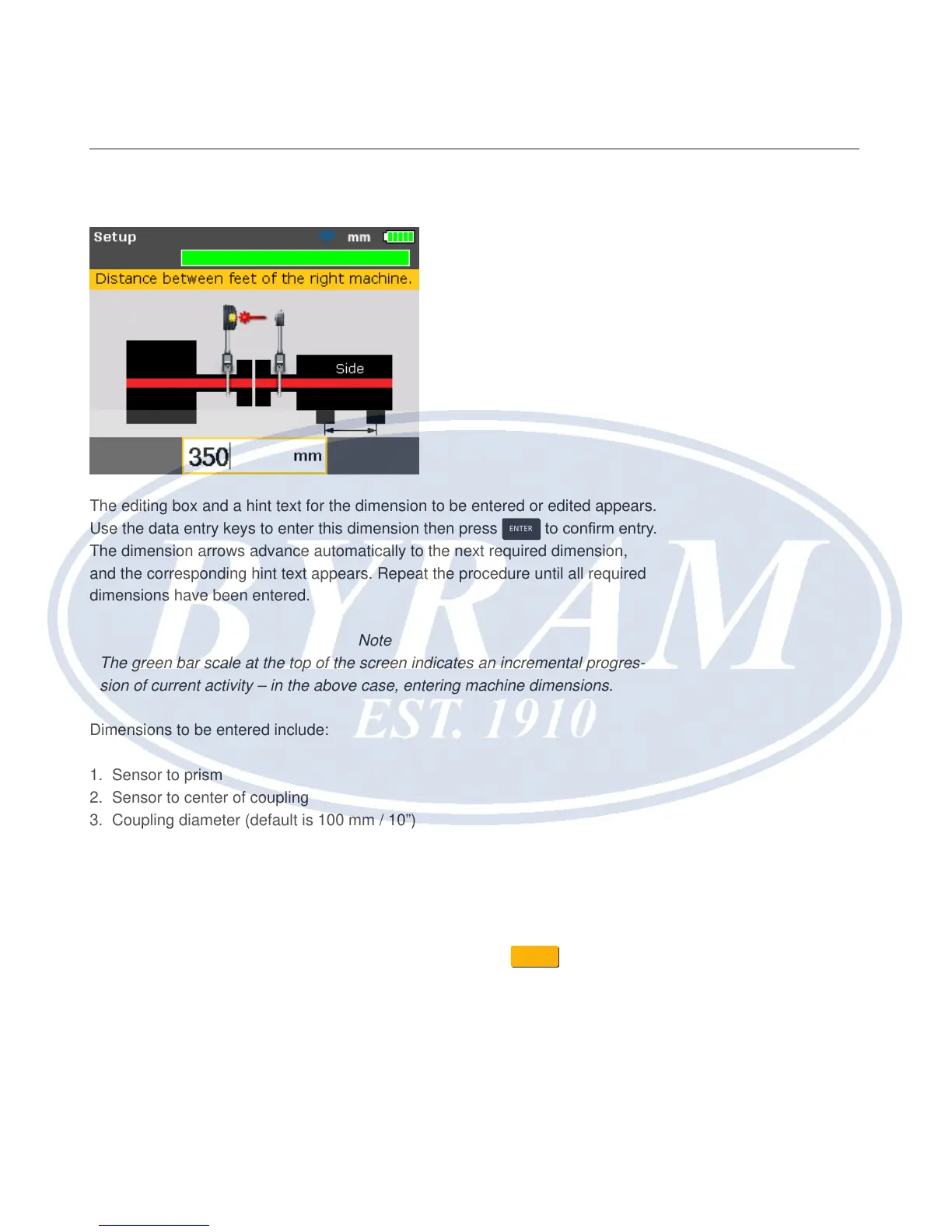
The editing box and a hint text for the dimension to be entered or edited appears.
Use the data entry keys to enter this dimension then press
ENTER
to conrm entry.
The dimension arrows advance automatically to the next required dimension,
and the corresponding hint text appears. Repeat the procedure until all required
dimensions have been entered.
Note
The green bar scale at the top of the screen indicates an incremental progres-
sion of current activity – in the above case, entering machine dimensions.
Dimensions to be entered include:
1. Sensor to prism
2. Sensor to center of coupling
3. Coupling diameter (default is 100 mm / 10”)
4. RPM
5. Center of coupling to front foot (right machine)
6. Front foot to back foot (right machine)
After the last required dimension has been entered, the measurement screen
appears.
The dimension screen can always be accessed by pressing
SETUP
.



 To Next Page