830
Users Manual
130
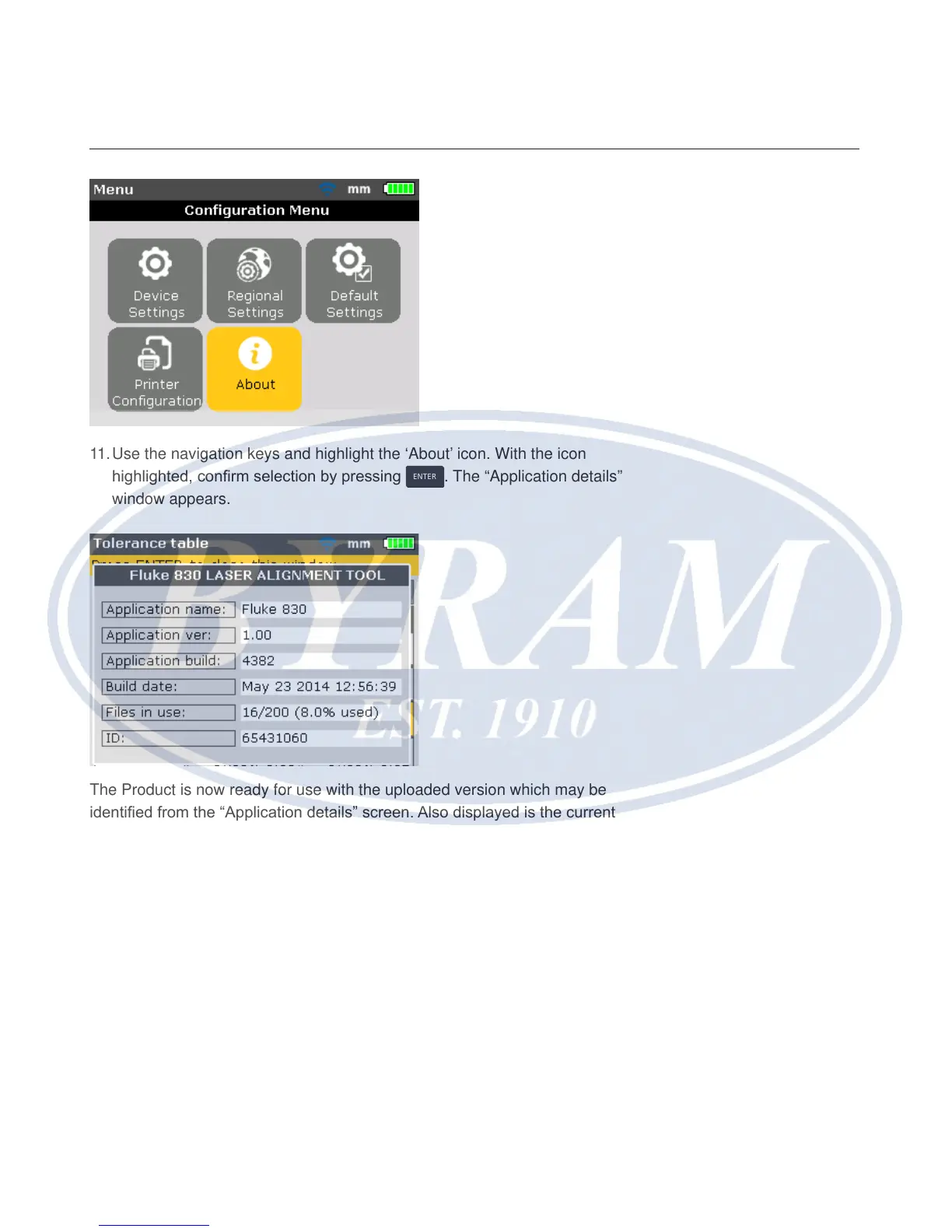
11. Use the navigation keys and highlight the ‘About’ icon. With the icon
highlighted, conrm selection by pressing
ENTER
. The “Application details”
window appears.
The Product is now ready for use with the uploaded version which may be
identied from the “Application details” screen. Also displayed is the current
application build.



 To Next Page