129
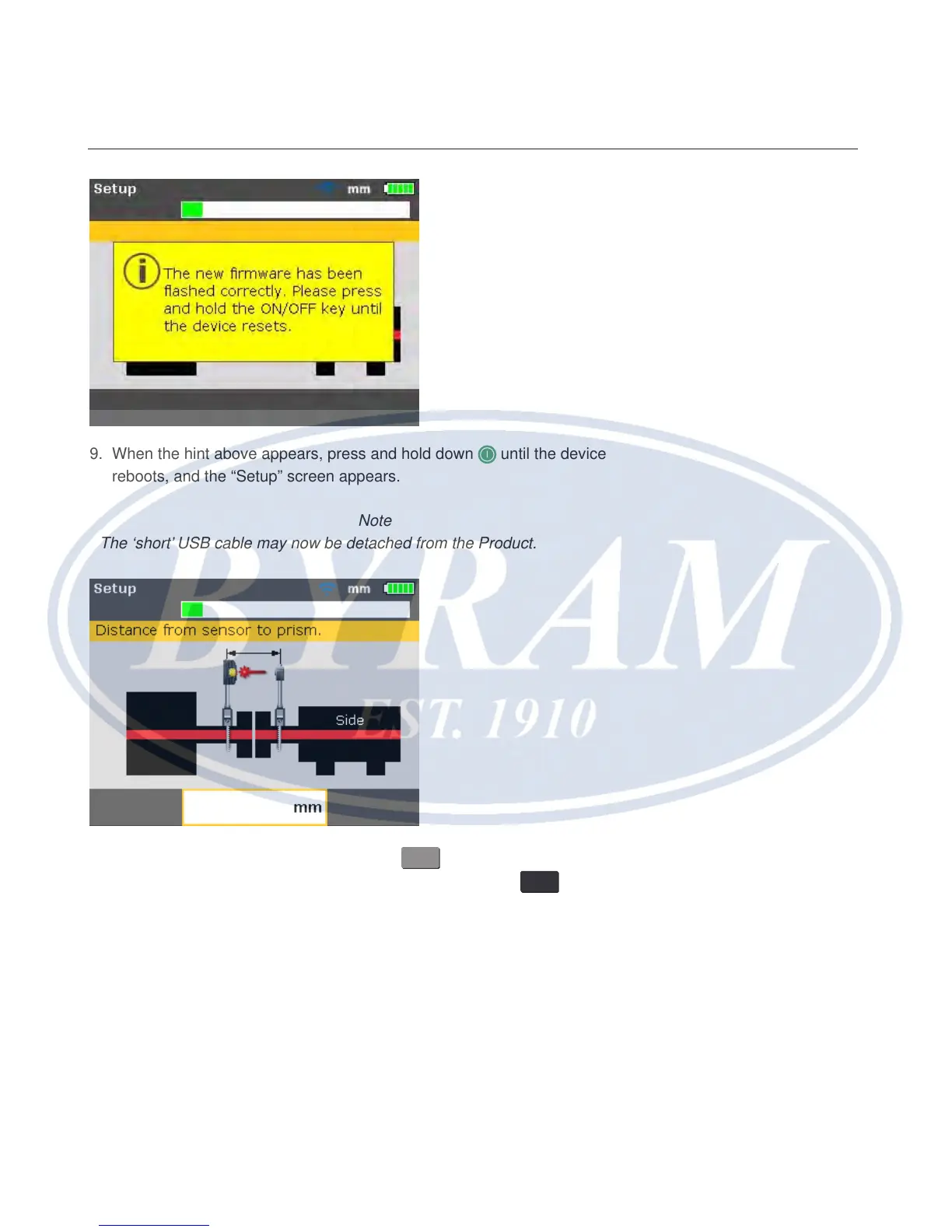
9. When the hint above appears, press and hold down until the device
reboots, and the “Setup” screen appears.
Note
The ‘short’ USB cable may now be detached from the Product.
10. When the “Setup” screen appears, press
MENU
. Use the navigation keys and
highlight the ‘Cong’ icon. With the icon highlighted, press
ENTER
to access the
“Conguration menu” screen.
Appendix
Carrying out the firmware update



 To Next Page