830
Users Manual
128
5. When the hint above appears, press and hold down until the device
reboots. The display goes dark.
6. The update process will start automatically (wait up to 10 seconds). The
system beeps and the right LED ashes as the process begins.
Note
Do NOT turn off the device or remove the memory stick during the entire up-
date process, which takes up to 5 minutes.
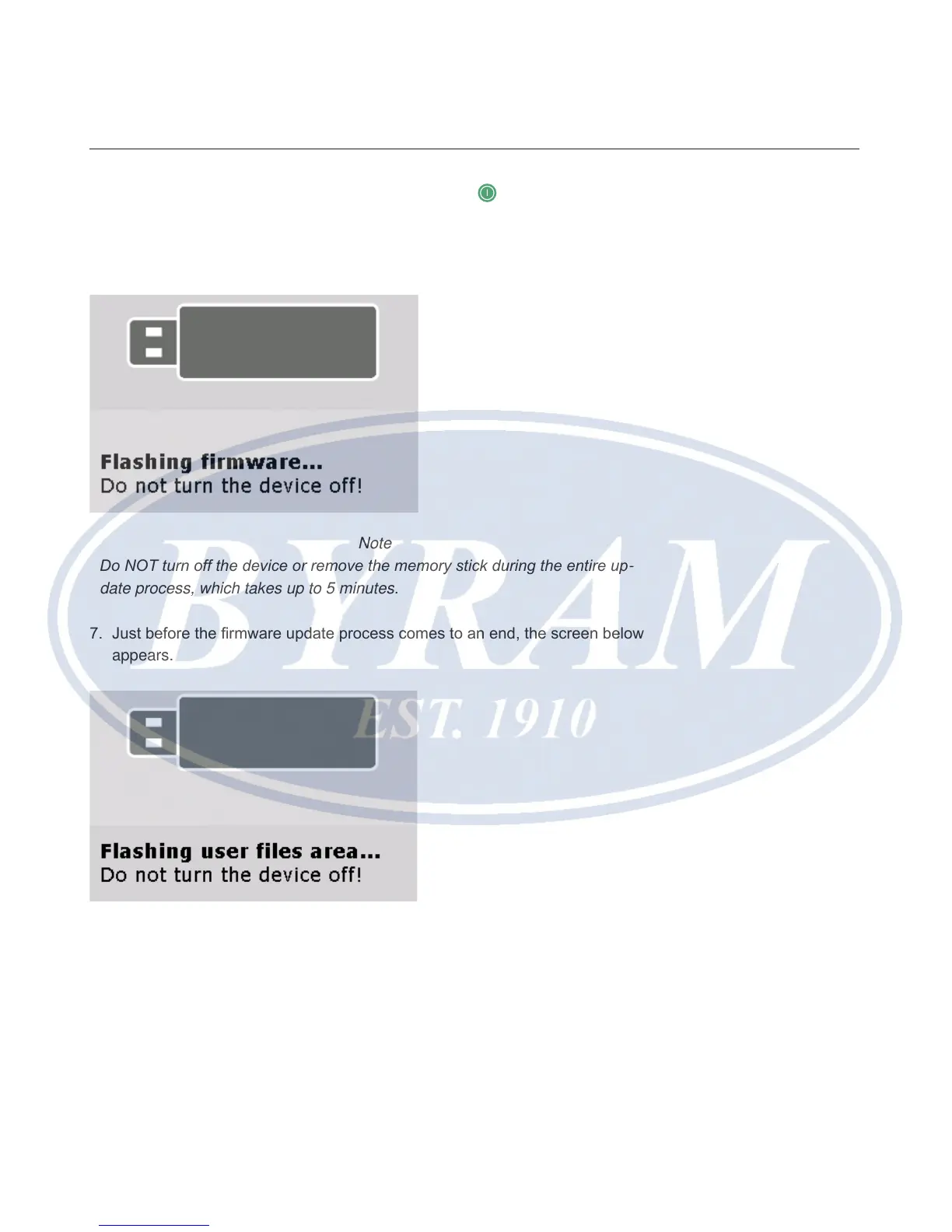
7. Just before the rmware update process comes to an end, the screen below
appears.
8. After the ashing process is completed, a hint indicating that the ashing
process for the new rmware has been carried out correctly appears.



 To Next Page