830
Users Manual
36
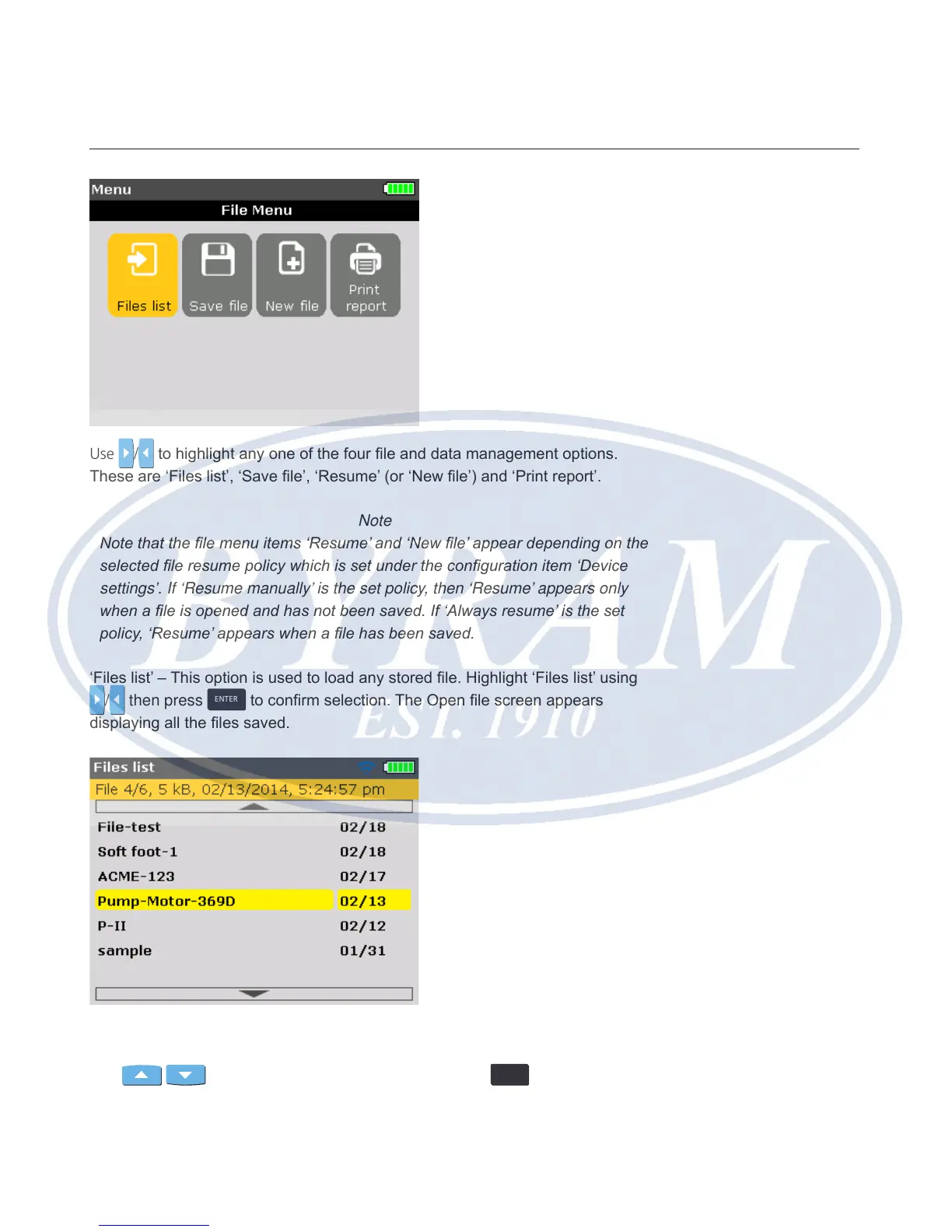
Use / to highlight any one of the four le and data management options.
These are ‘Files list’, ‘Save le’, ‘Resume’ (or ‘New le’) and ‘Print report’.
Note
Note that the le menu items ‘Resume’ and ‘New le’ appear depending on the
selected le resume policy which is set under the conguration item ‘Device
settings’. If ‘Resume manually’ is the set policy, then ‘Resume’ appears only
when a le is opened and has not been saved. If ‘Always resume’ is the set
policy, ‘Resume’ appears when a le has been saved.
‘Files list’ – This option is used to load any stored le. Highlight ‘Files list’ using
/ then press
ENTER
to conrm selection. The Open le screen appears
displaying all the les saved.
By default, the les are listed in order of date and time of creation. This listing
order is not user-editable.
Use
/ to highlight le to be opened then press
ENTER
to open the le.



 To Next Page