830
Users Manual
34
● Tolerance table – the available options are 50 Hz and 60 Hz. The mains
supply frequency determines the standard RPM values that appear in the
tolerance table. Tolerance values based on these frequencies may be read off
the suggested tolerance table.
● Default mode – used to set the default measurement mode. Two
measurement modes are available, ‘Compass’ mode (for horizontal machines)
and ‘Clock’ mode (for vertical machines). In ‘Compass’ mode, measurement
points are taken at any three of the eight measurement sectors available.
In the ‘Clock’ mode measurements are taken at any three of the eight clock
positions ( 12:00, 1:30, 3:00, 4:30 6:00, 7:30, 9:00 and 10:30).
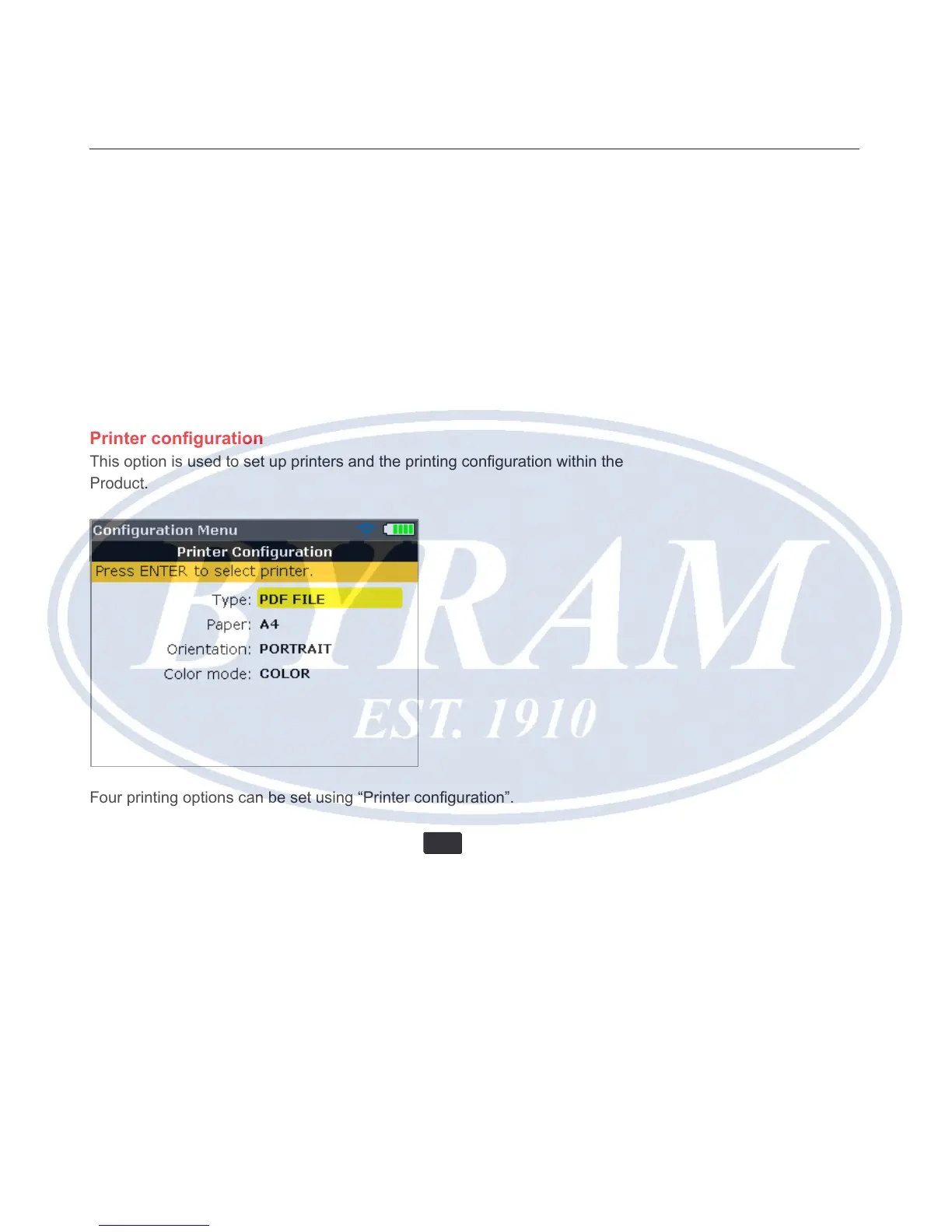
Printer conguration
This option is used to set up printers and the printing conguration within the
Product.
Four printing options can be set using “Printer conguration”.
“Type” – Selecting “Type” and then pressing
ENTER
displays a list with all
supported printers.
“Paper” – Used to select the required paper size
“Orientation” – Used to set the paper orientation. Select “Portrait” for a vertical
layout and “Landscape” for a horizontal layout.
“Color mode” – Used to set the color mode in which the measurement report
is to be printed. This can either be in full color or in grayscale.



 To Next Page