33
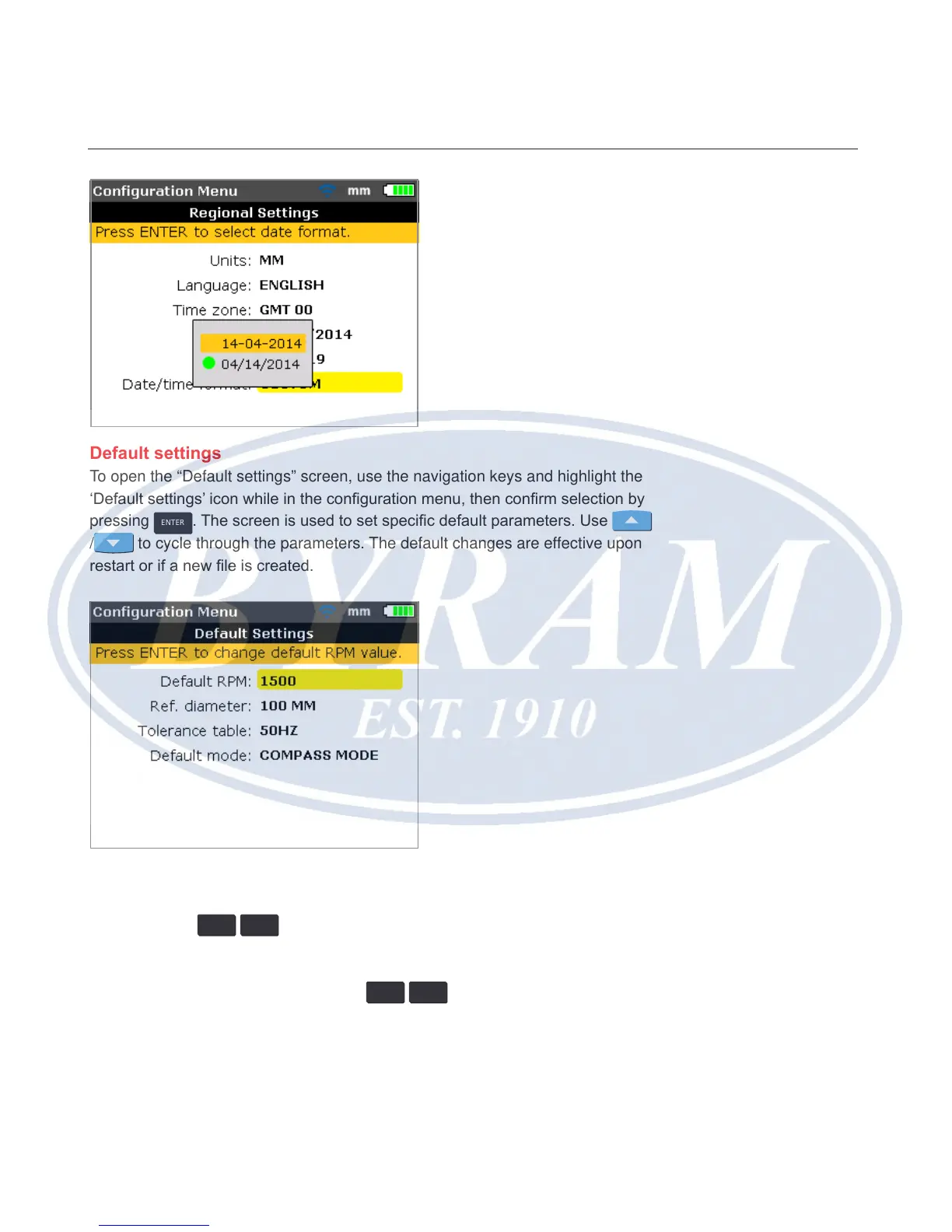
Default settings
To open the “Default settings” screen, use the navigation keys and highlight the
‘Default settings’ icon while in the conguration menu, then conrm selection by
pressing
ENTER
. The screen is used to set specic default parameters. Use
/ to cycle through the parameters. The default changes are effective upon
restart or if a new le is created.
● Default RPM – used to set the required default rpm. Highlight ‘Default RPM’
then use the data entry keys to enter the required default rpm. Conrm entry
by pressing
ENTER
/
BACK
.
● Reference diameter – used to set the required reference diameter. Highlight
‘Ref. diameter’ then use the data entry keys to enter the required reference
diameter. Conrm entry by pressing
ENTER
/
BACK
. Every new alignment le
started will then automatically be precongured with this RPM value already
entered. Every new alignment le started will then automatically be congured
with this coupling diameter value already entered.
Configuration and data management
Default settings



 To Next Page