125
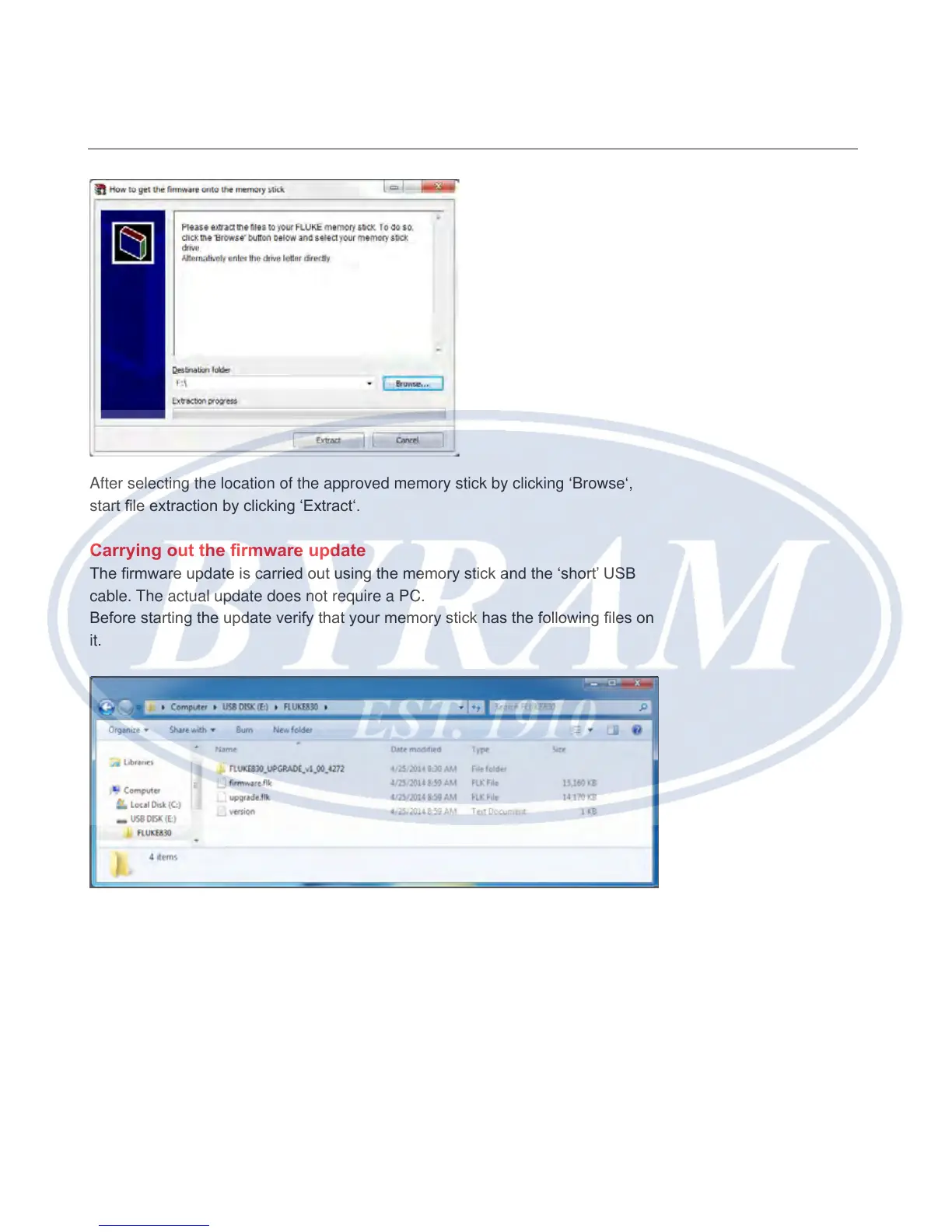
After selecting the location of the approved memory stick by clicking ‘Browse‘,
start le extraction by clicking ‘Extract‘.
Carrying out the rmware update
The rmware update is carried out using the memory stick and the ‘short’ USB
cable. The actual update does not require a PC.
Before starting the update verify that your memory stick has the following les on
it.
Note
The displayed les and folder are viewed by expanding the folder ‘FLUKE830’.
The downloaded version is indicated by the prex v1_xx_yyyy, where 1_xx
represents the rmware version and yyyy the build number.
Appendix
Carrying out the firmware update



 To Next Page