69
Turning shafts
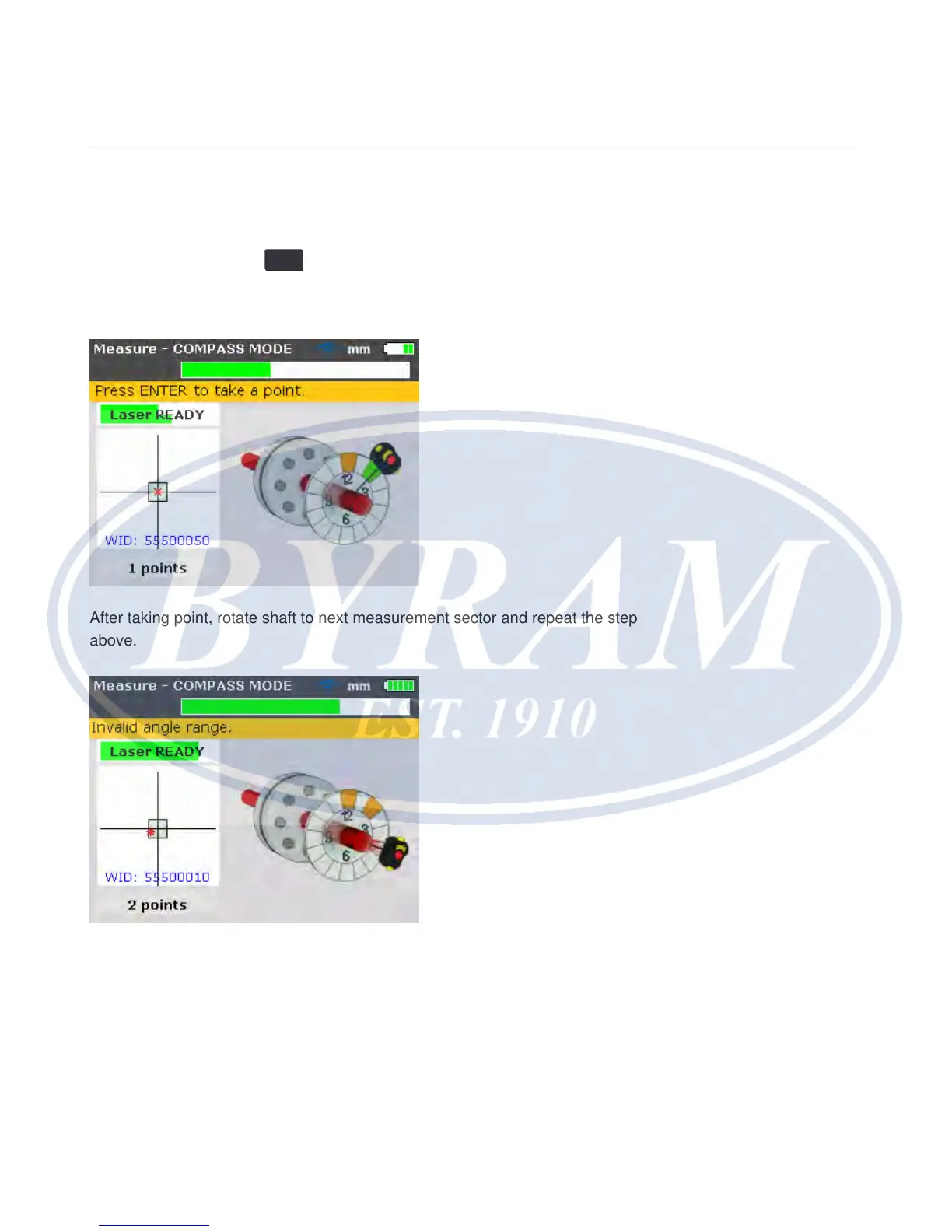
To measure, rotate shaft to the rst measurement position. Measurement
can only be taken when the sector in which the shaft has been positioned is
highlighted green. Press
ENTER
to take the rst measurement point. The sector is
then highlighted orange, an indication that measurement has been taken in that
particular sector.
After taking point, rotate shaft to next measurement sector and repeat the step
above.
If the sensor rotational position is such that the sector is highlighted red,
measurement cannot be taken at this angular position.
Note
In Compass mode, the electronic inclinometer in the sensor is active and auto-
matically determines the rotational angle of the shaft, eliminating human error.
Horizontal shaft alignment
Turning shafts



 To Next Page