RUBY 10 Advanced Features and Functions 7
RUBY 10 Speech only: If you want to have the help text spoken:
1. Tap the screen to display the on-screen buttons.
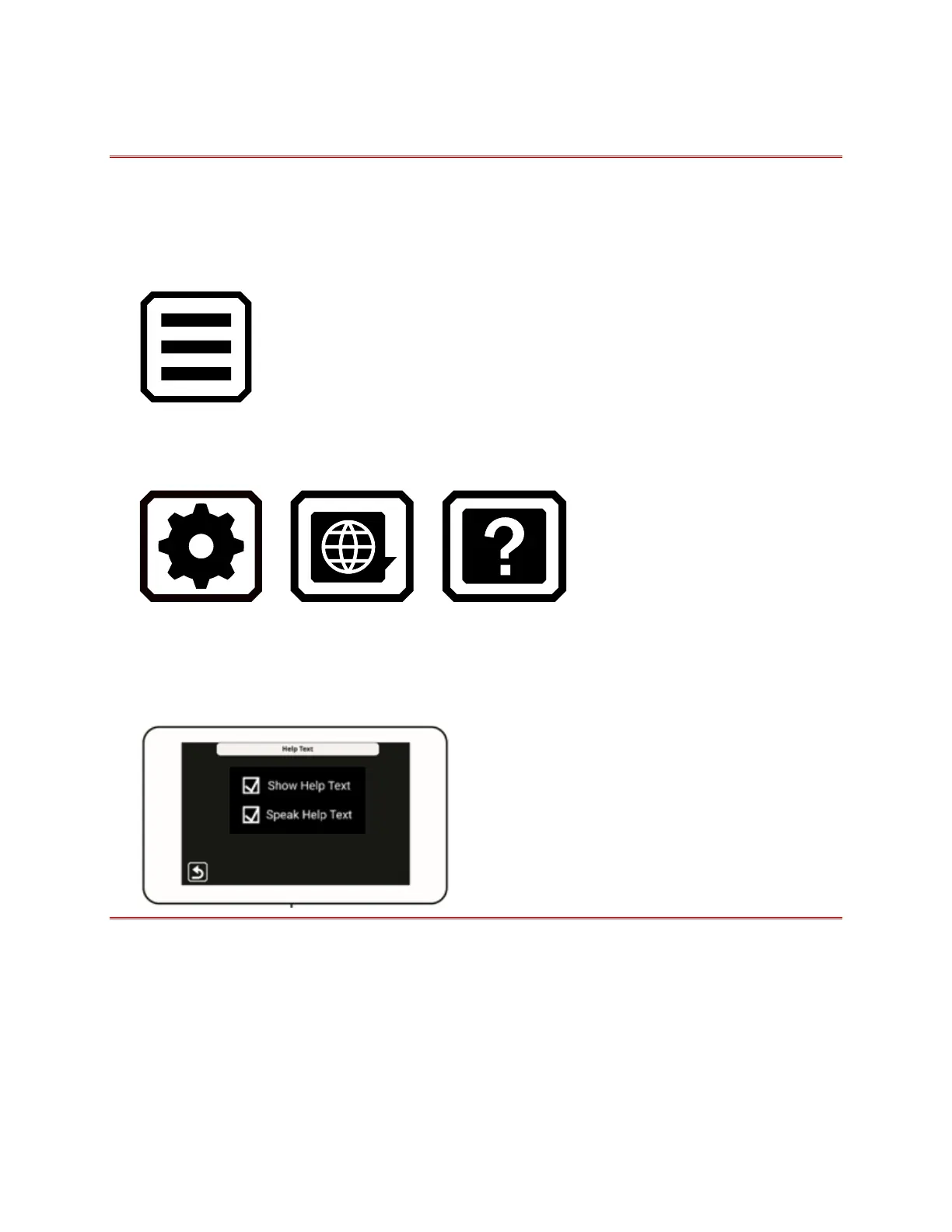
2. Tap the Main Menu button.
3. Once in the Main Menu, go to Settings Menu > Language Menu >
Help Text.
> >
4. On the Help Text screen, tap one or both checkboxes to display and/or
listen to help text. The same text is spoken if you check Speak Help
Text on the Help Text screen.



 To Next Page