78 RUBY 10 Advanced Features and Functions
Menus
You access the menus by tapping the Main Menu button, which is
available in Live view by tapping the screen. The icons on the Main Menu
depend on whether you are in Default or Advanced mode. This section
describes the Advanced mode because Default mode is a subset of it. For
information on the differences between the two modes, go to
Default Mode
and Advanced Mode.
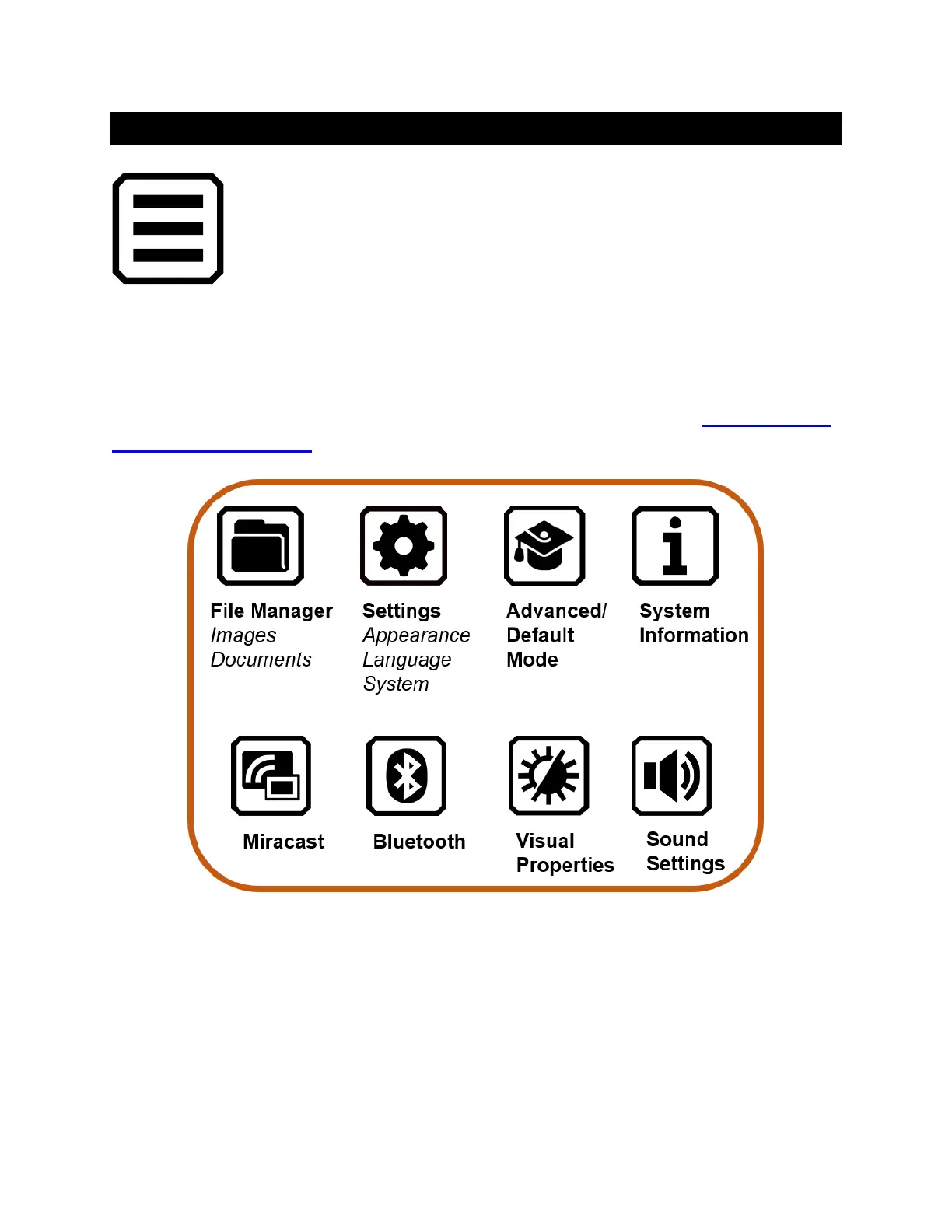
The Main Menu offers ways to use your device and change its settings,
such as its appearance and languages. Tapping on an icon on the Main
Menu displays another menu or a screen for performing tasks.
This chapter outlines the contents of the menus and the screens used to
modify the behavior of RUBY 10. The Main Menu has icons that you tap to
display other menus and screens.



 To Next Page