RUBY 10 Advanced Features and Functions 71
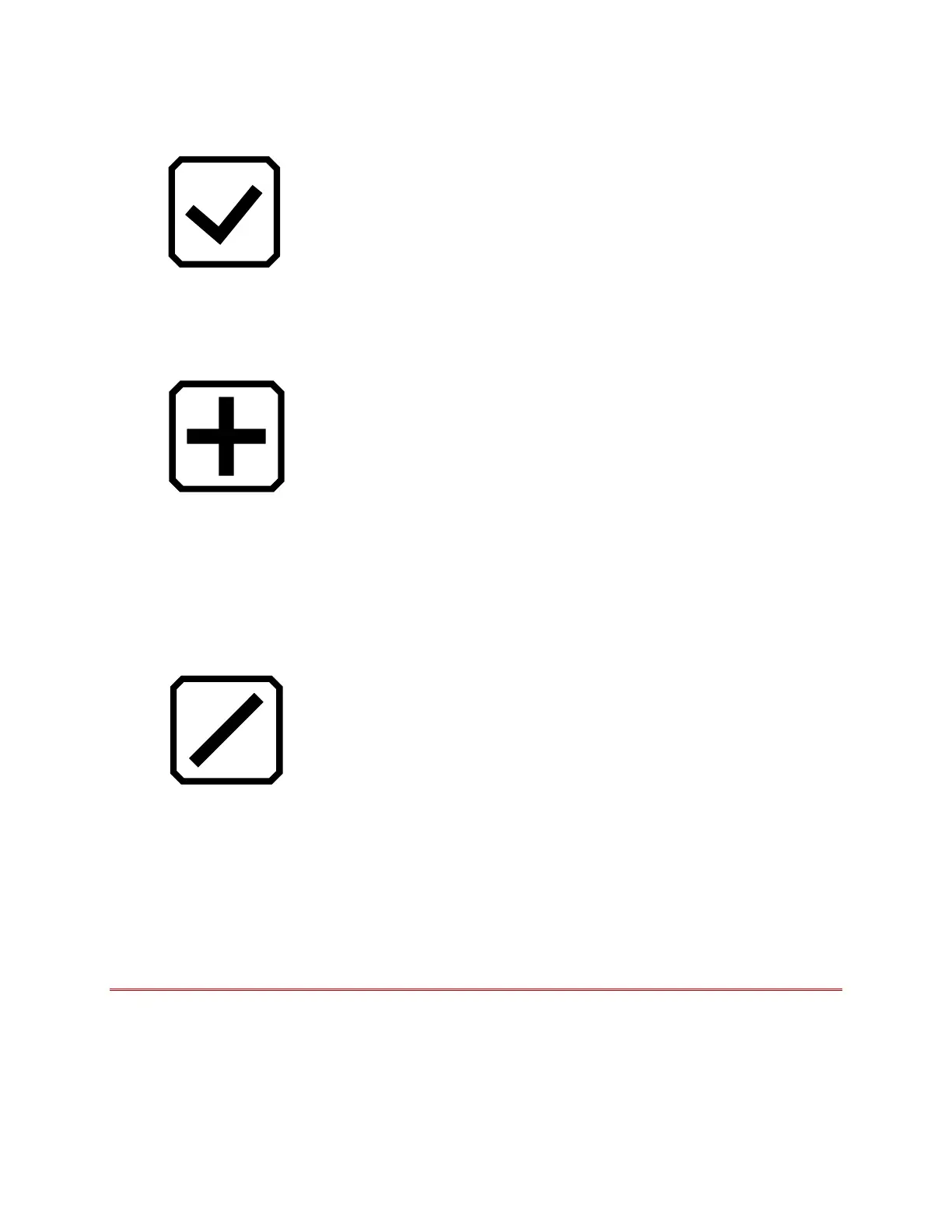
4. On the Miracast screen, enable Miracast by tapping the checkmark.
5. RUBY 10 automatically scans for devices and lists them on the Miracast
screen. Select the name of the device where you will display the RUBY
10 screen, and tap the plus sign.
A message indicates whether RUBY 10 successfully connects with the
device. Once the connection is made, RUBY 10 streams its content to
that display in a mirrored view.
6. When you are done streaming content, return to the Miracast screen
and tap the Disable button.
Status of Miracast Connection
The word in parentheses by the name of each device denotes its status:
“Connected” means the device is actively connected with RUBY 10.
“New” displays beside the name of a device that is not connected.



 To Next Page