2 RUBY 10 Advanced Features and Functions
First Use
The first time you use RUBY 10, you must select the menu language and
voice, font size, and time and date. You cannot use the device until you set
these options. However, you can change the settings later if needed using
the instructions in this document. You only need to set these options again
if you reset the device to factory settings.
Tip: If you are uncertain about a button or icon, you can display help text
by pressing on the control for about three seconds until you see
help text displayed on the screen.
Before you begin using RUBY 10:
1. Charge RUBY 10 and power on the device. See the previous section.
2. The first time you power on your RUBY 10, the Select Menu Language
screen is displayed. Swipe up or down until the language to be used for
displaying the user interface (e.g., screens and help text) is selected in
the center of the screen.
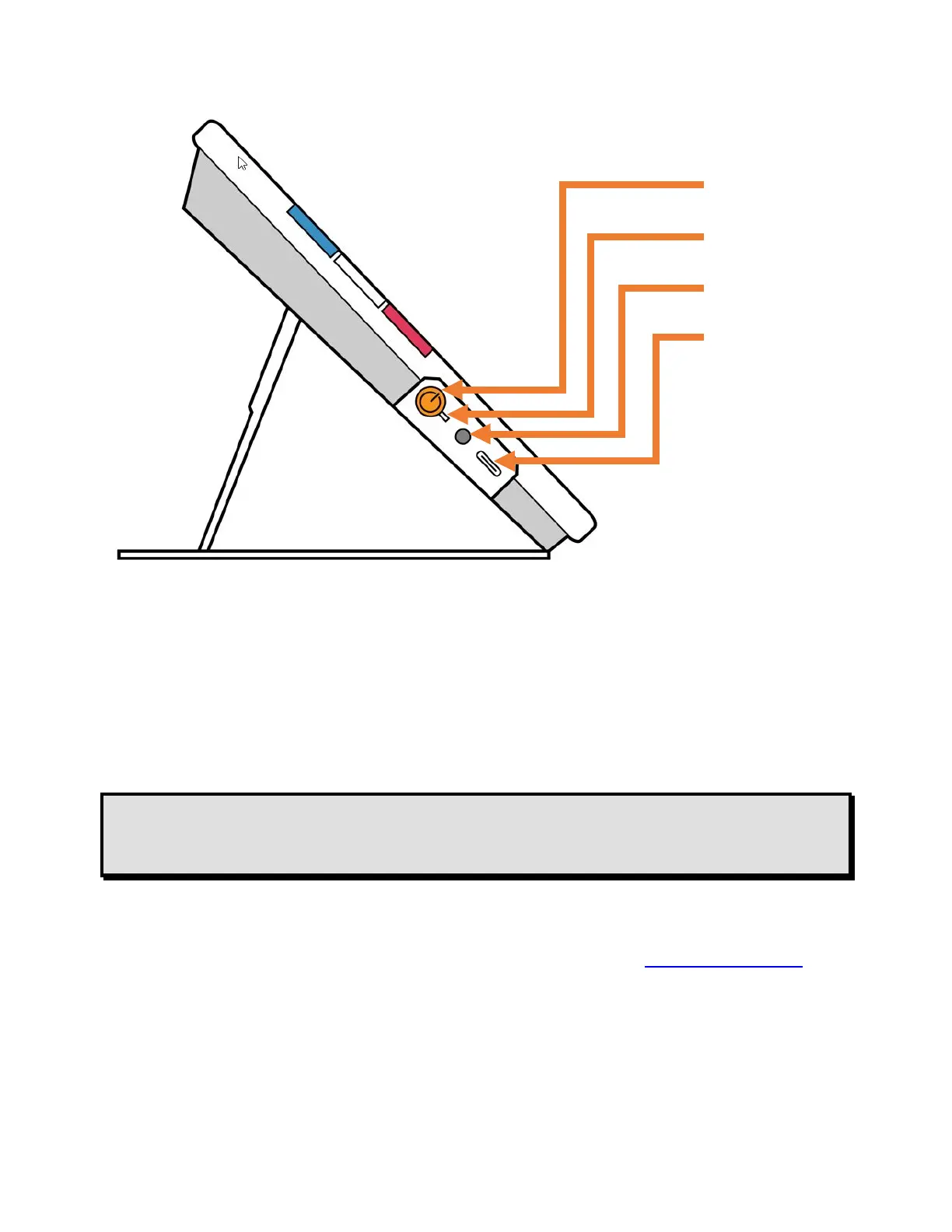
Power button
Charging LED
Audio jack
USB-C port



 To Next Page