RUBY 10 Advanced Features and Functions 57
Navigating Using the Touch Screen
You can move to the previous page of a document by panning to the top of
a page, then swiping downward on the touch screen. Move to the next
page by panning to the bottom of a page, then swiping upward on the touch
screen.
Navigating Using Page Numbers
To move around a multipage document, tap the page number to display a
scrolling list of page numbers, then either scroll to the page number you
want or tap one of the following buttons:
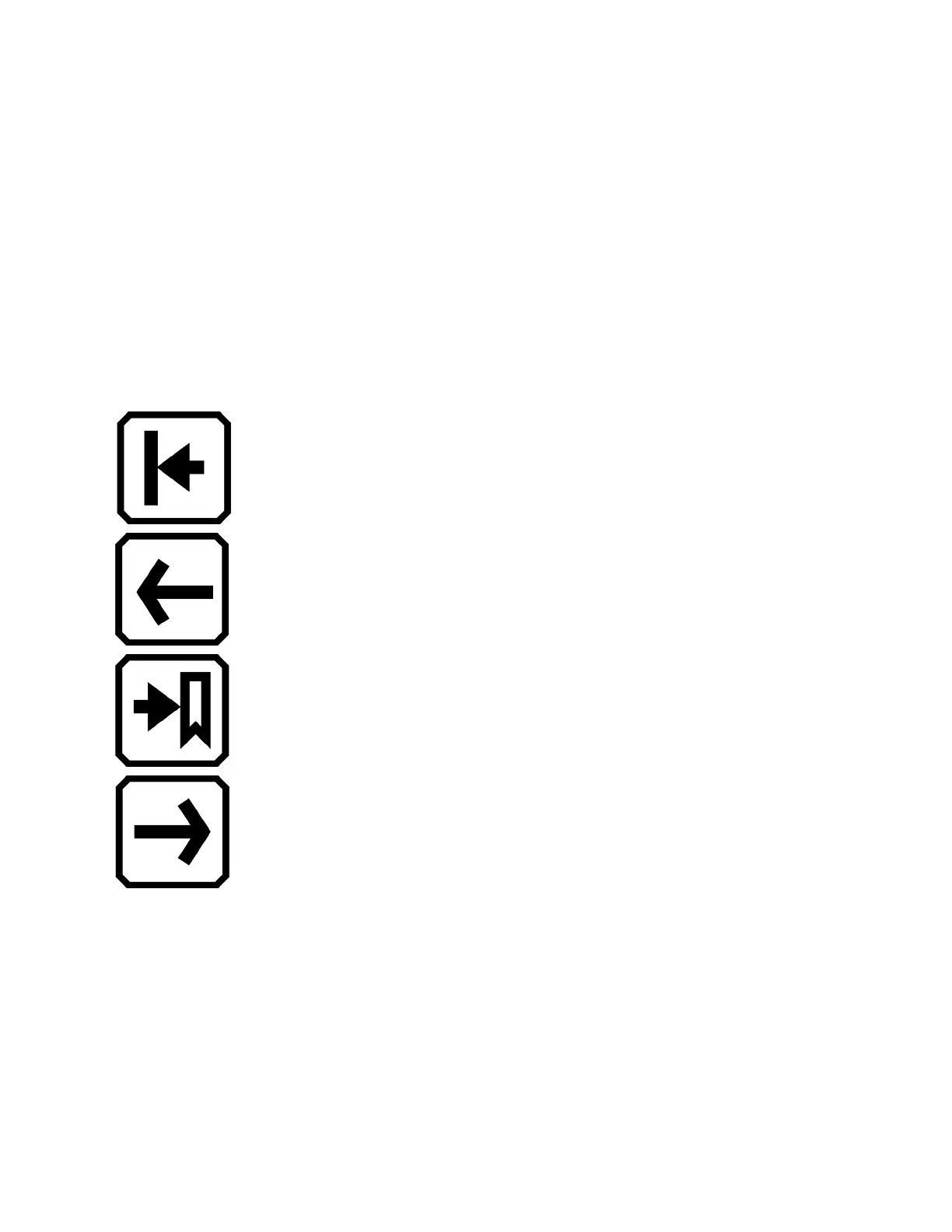
Start of Document displays the first page of the
document.
Previous Page displays the previous page in the
sequence of scanned pages.
Furthest Viewed displays the furthest location that you
have previously viewed. If you have a 10-page
document and have viewed the first five pages, for
example, then you would jump to page 5.
Next Page displays the next page in the sequence of
scanned pages.



 To Next Page