RUBY 10 Advanced Features and Functions 51
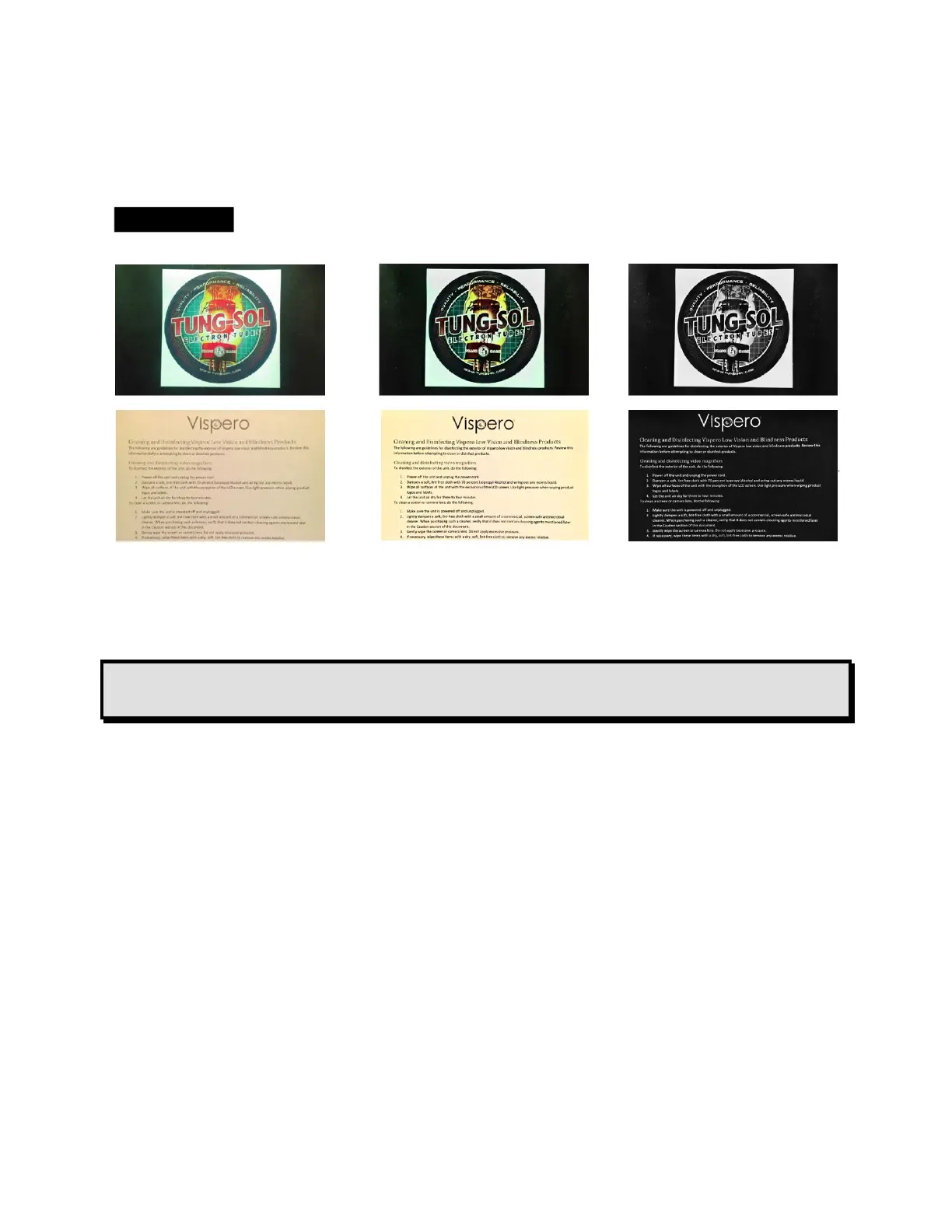
Move the slider down to decrease contrast in full color and grayscale. With
high contrast colors, move the slider down for less background color and
more foreground color.
Examples of contrast adjustments: left, no
adjustments were made; center, full color is
enhanced, right, high contrast colors are enhanced
Tip: It is recommended that you use trial and error to see the real-time
difference as you move the slider up and down.
Edge Effects
Edge effects give you a unique approach to displaying images. Toggle the
Edge Effects button and use the corresponding slider to smooth the edges
within images, display edges only, or highlight the edges.
This feature is available in Live view, Snapshot view, Image view, and Zone
view. Edge effects are global and saved for each camera orientation:
Magnification, Overview, and Full-page.
Tap the Edge Effects button to toggle to the desired approach.
Long press the Edge Effects button to go straight to the control window
where you can use the slider to adjust the edge effects settings.



 To Next Page