80 RUBY 10 Advanced Features and Functions
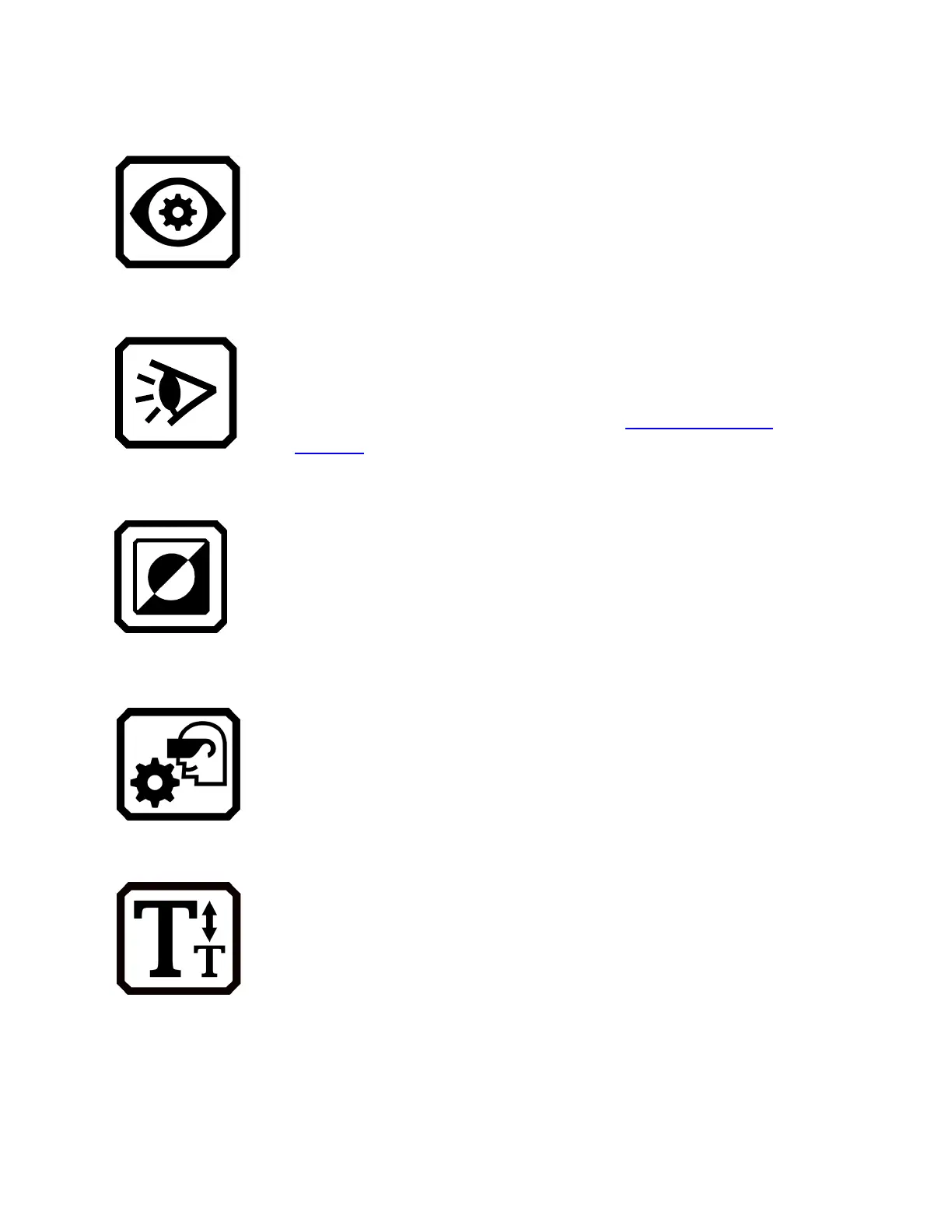
Appearance Menu
Takes you to screens where you set the viewing
modes, color combinations, visual displays settings,
and default font size.
Viewing Modes Screen
Provides buttons for setting the way documents display
on the screen by default. You can select full image,
teleprompter, or tickertape. For highlighting, you can
select underline or box. See page
Viewing Modes
Screen.
Color Combinations
Has two tabs where you select the color combinations
included in the rotation when you press the blue Color
Mode button. One tab controls text colors, while the
other controls image colors.
Visual Display Settings
Enables you to set filters for light sensitivity and color
blindness.
Default Font Size
Allows you to set the default size of text used in the
menus, screens, and help text of the RUBY 10 user
interface. You can select 24 point through 72 point.



 To Next Page