RUBY 10 Advanced Features and Functions 25
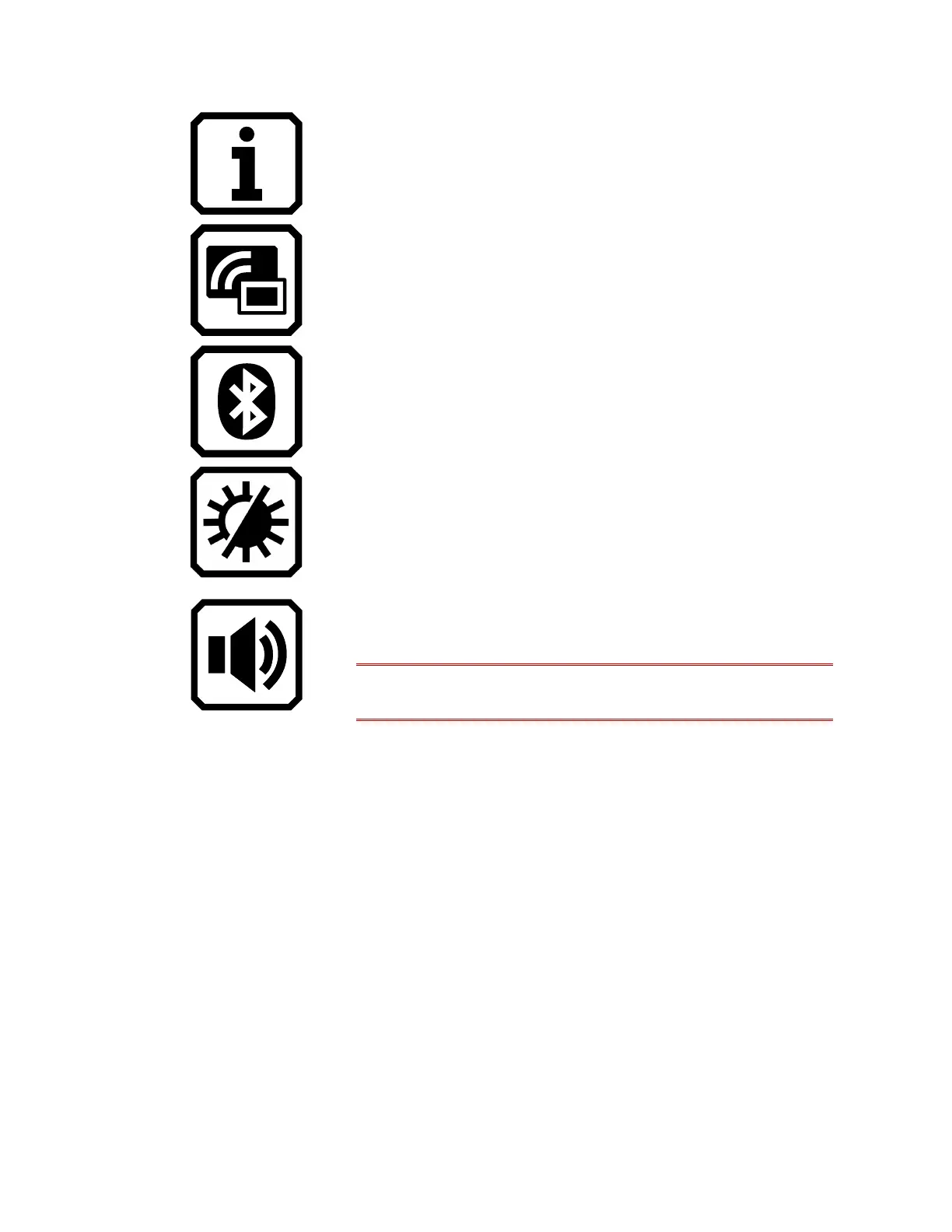
Display information about this device, such as
the software version, product serial number, and
other data you may need if you require technical
support.
Connect RUBY 10 to another device using a
Miracast wireless connection.
Connect RUBY 10 to another device using a
Bluetooth wireless connection.
Change the visual properties to improve the
image on the screen.
Adjust the sound settings to increase or
decrease the volume.
RUBY 10 Speech only: Adjust both the volume
and the rate of speech.
Advanced Mode Live View On-screen Buttons
Buttons display when you tap the screen, and those buttons provide
additional features. The buttons are hidden after 10 seconds, but you can
tap the screen to display them again.
Overview Camera
When you tap the screen while in Advanced mode using the Overview
camera (neither the stand nor the camera arm are extended), these buttons
are displayed: Main Menu, Light, Brightness, Edge Effects, Focus
Lock, and Dynamic Contrast.



 To Next Page