24 RUBY 10 Advanced Features and Functions
Advanced Mode
Advanced mode makes the full functionality of RUBY 10 available to you.
Many tools enable you to create vibrant images and documents that are
enhanced to be perfect for your unique vision.
Everyone is different, so RUBY 10 gives you the ability to change not only
the colors of an image, but also the shadows and edges, the contrast, and
the brightness. These tools are available through the hardware and on-
screen buttons, as well as through the Main Menu.
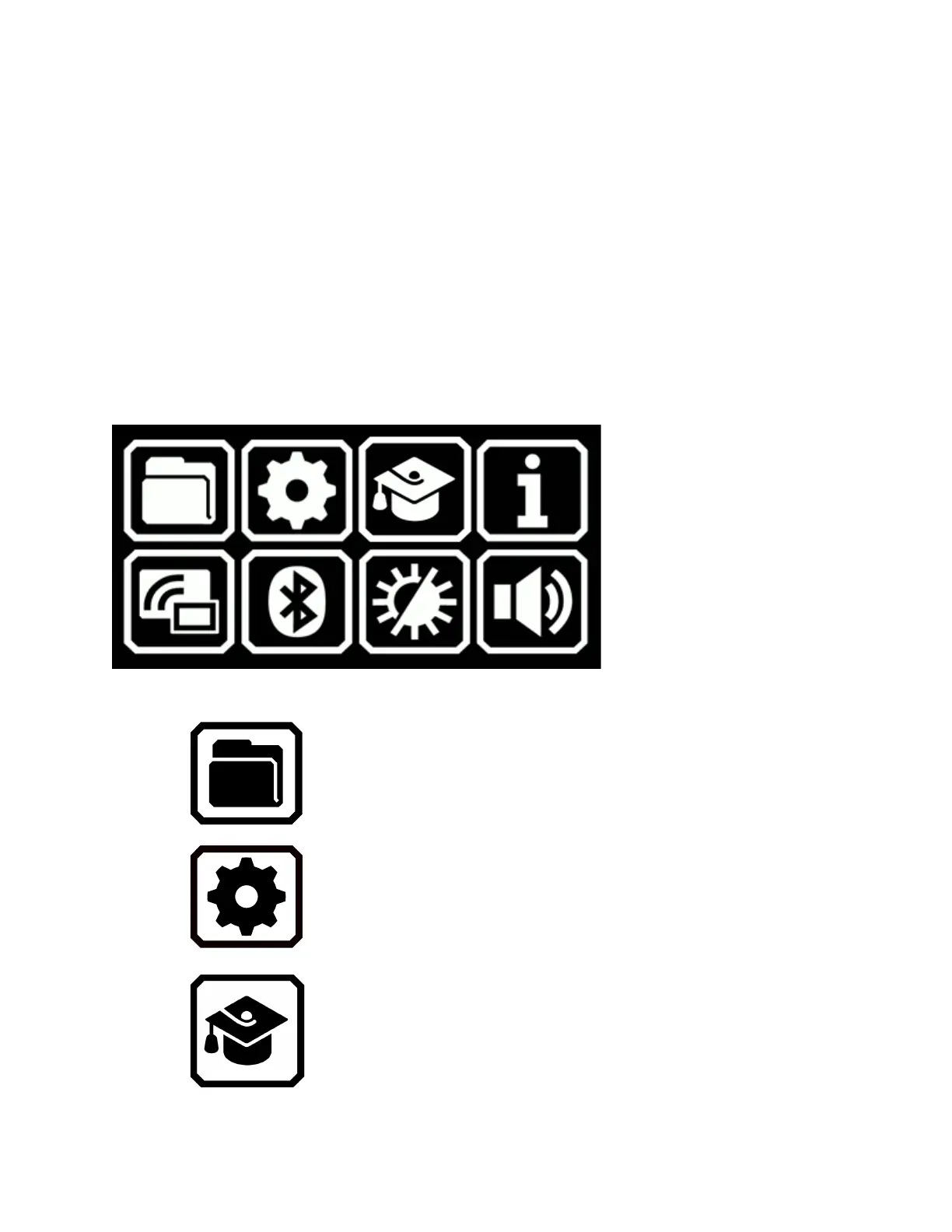
Advanced Mode Main Menu
Tap any of the eight icons on the Main Menu to perform these functions:
Manage document and image files.
Display the Settings Menu, which contains links
to other menus that enable you to change the
default appearance of images and documents,
define reading and menu language and voice,
and update system settings.
Go from Advanced mode to Default mode, which
is simpler to use but has less functionality. In
Default mode, you cannot save files, recognize
text, create multi-page documents, or connect
via Miracast.



 To Next Page