RUBY 10 Advanced Features and Functions 83
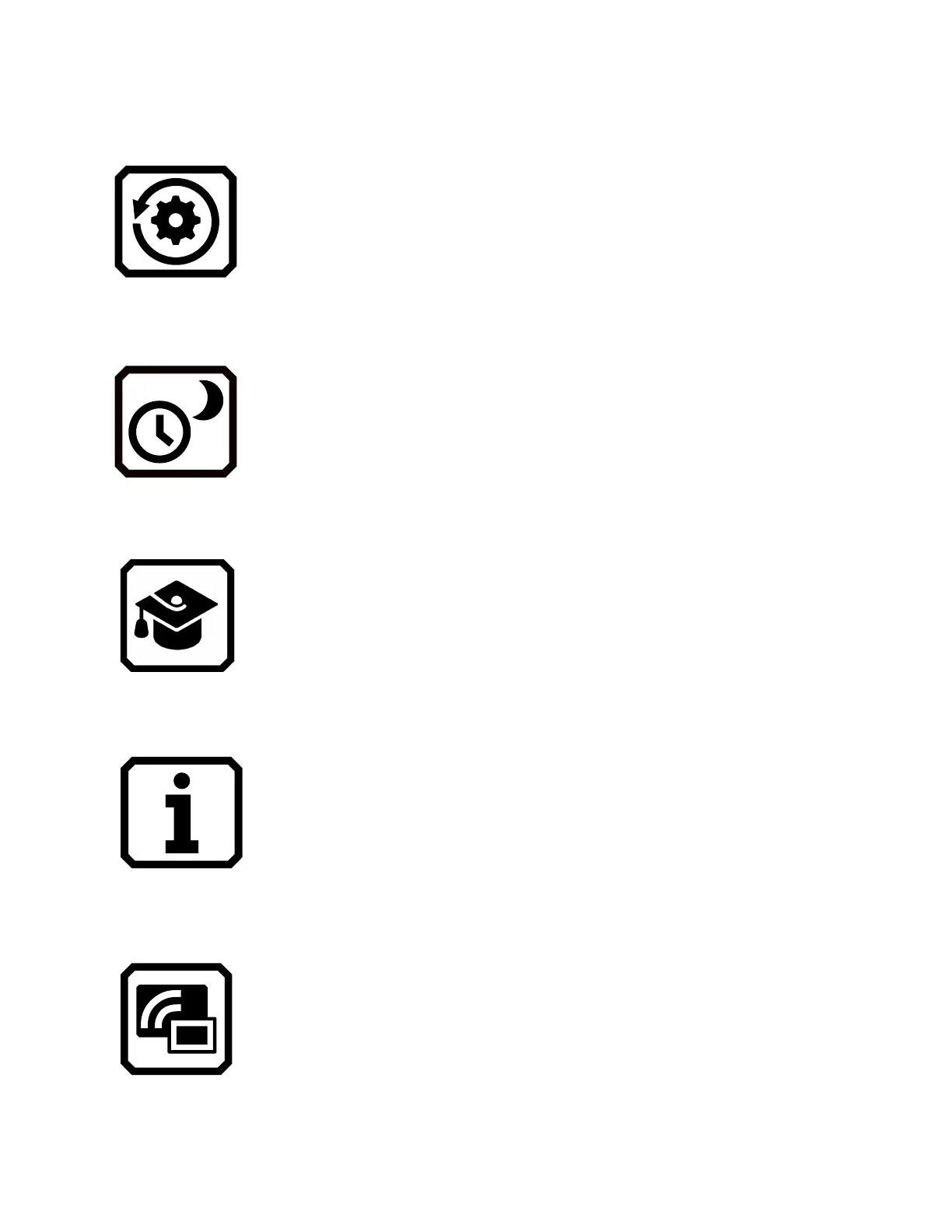
Reset Settings
Displays the Reset Settings screen. Tapping Yes on
this screen returns the device settings to the original
factory default values. You will have to set the menu
language and voice, font size, and time and date just
as you did the first time you used RUBY 10. See
page
2 for instructions.
Standby Time
Displays the Standby Time screen, which is used to
set the number of minutes the device is unused before
automatically entering standby mode. Values are None
to 30 minutes. Select the value and tap Previous to
immediately enable the new value.
Default Mode / Advanced Mode
Moves from Default mode to Advanced mode or from
Advanced mode to Default mode.
About
Displays the About screen, which provides technical
facts about the device and support contact information.
The Delete button on this screen enables you to clear
support data. The Export button is used to export
support data to a USB-C drive or to another computer
using the USB-C cable.
Miracast
Displays the Miracast screen, where you can connect
RUBY 10 to another display device, such as a
television, over a wireless connection.



 To Next Page