RUBY 10 Advanced Features and Functions 79
You can continue tapping the Back button to move through previous
menus, or you can press the green Live View button to get out of the
menus entirely.
File Manager
Displays the Files screen, which has an Images tab
and a Document tab. You can import and export files
from this screen, as well as open files and assign audio
tags.
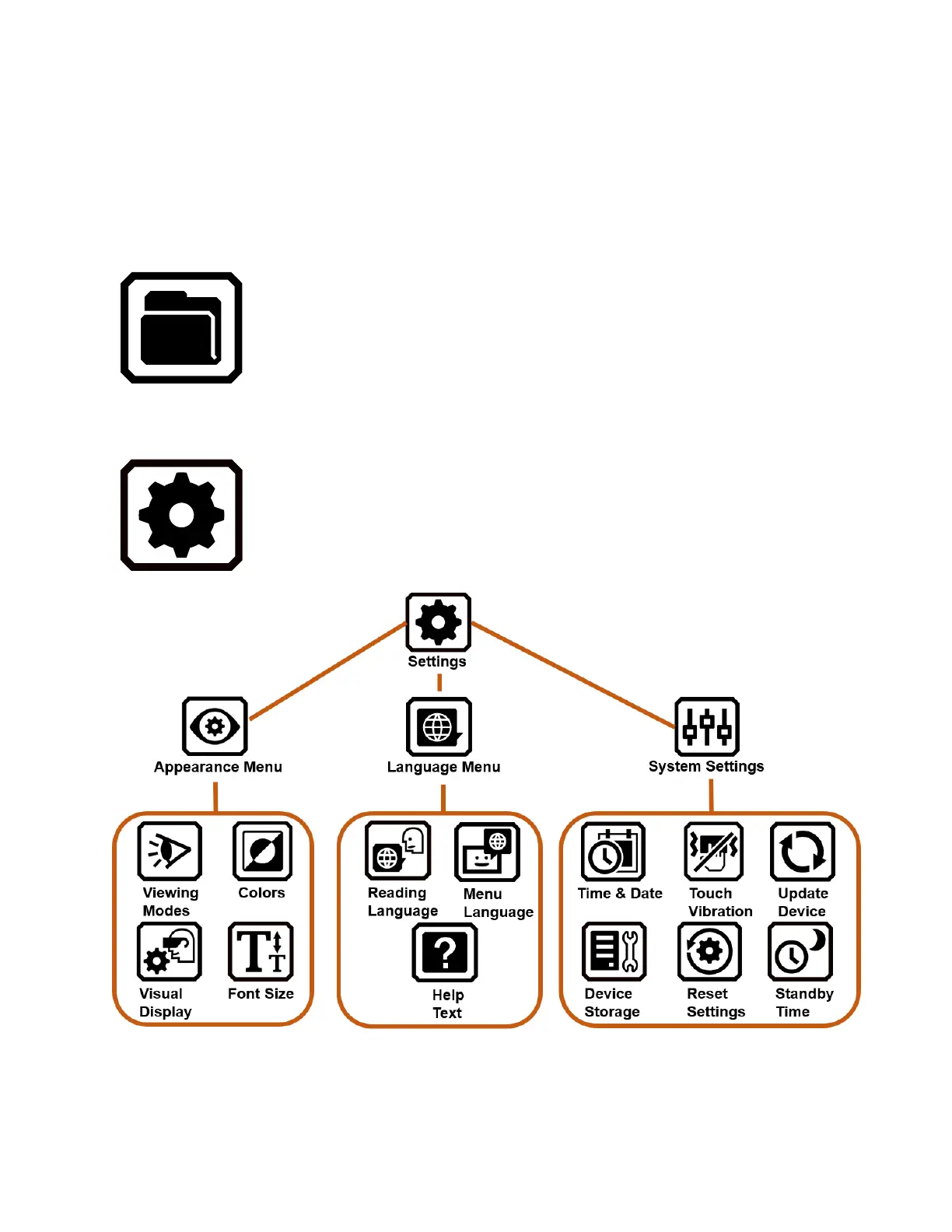
Settings Menu
Opens the Settings Menu, which has three icons used
to display the Appearance Menu, the Language
Menu, and System Settings.



 To Next Page