RUBY 10 Advanced Features and Functions 75
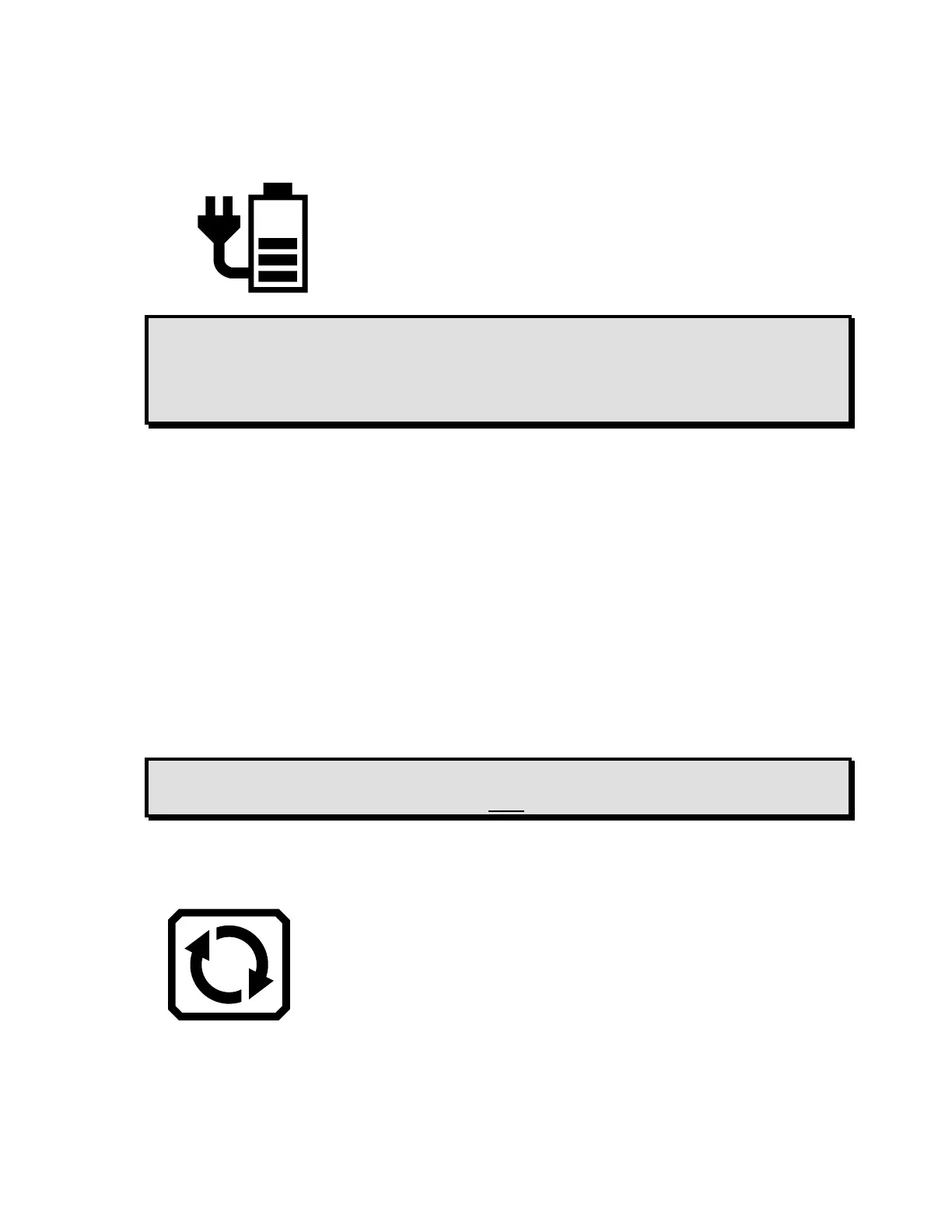
Your device has 60 percent battery power according to the bars on
the battery icon in the top left corner of the screen.
Note: The device is fully charged when the LED light by the orange
Power button is green. The battery icon indicates the
remaining battery life with each segment representing about
20% of total charge capacity.
Update RUBY 10 Using a USB-C Drive
This method is preferred because it requires much less free space on the
device. To update the device using a USB-C flash drive:
1. Go to the Freedom Scientific website and download the latest RUBY 10
release file, which has a VHU extension.
2. Copy the VHU file onto a USB-C flash drive.
3. Insert the USB-C drive with the VHU release file into the RUBY 10 USB
port.
Caution: Do not remove the drive before you receive the
confirmation message and the system fully restarts.
4. On RUBY 10, tap the screen to display the on-screen buttons, then go to
Main Menu > Settings Menu > System Settings > Update Device.



 To Next Page