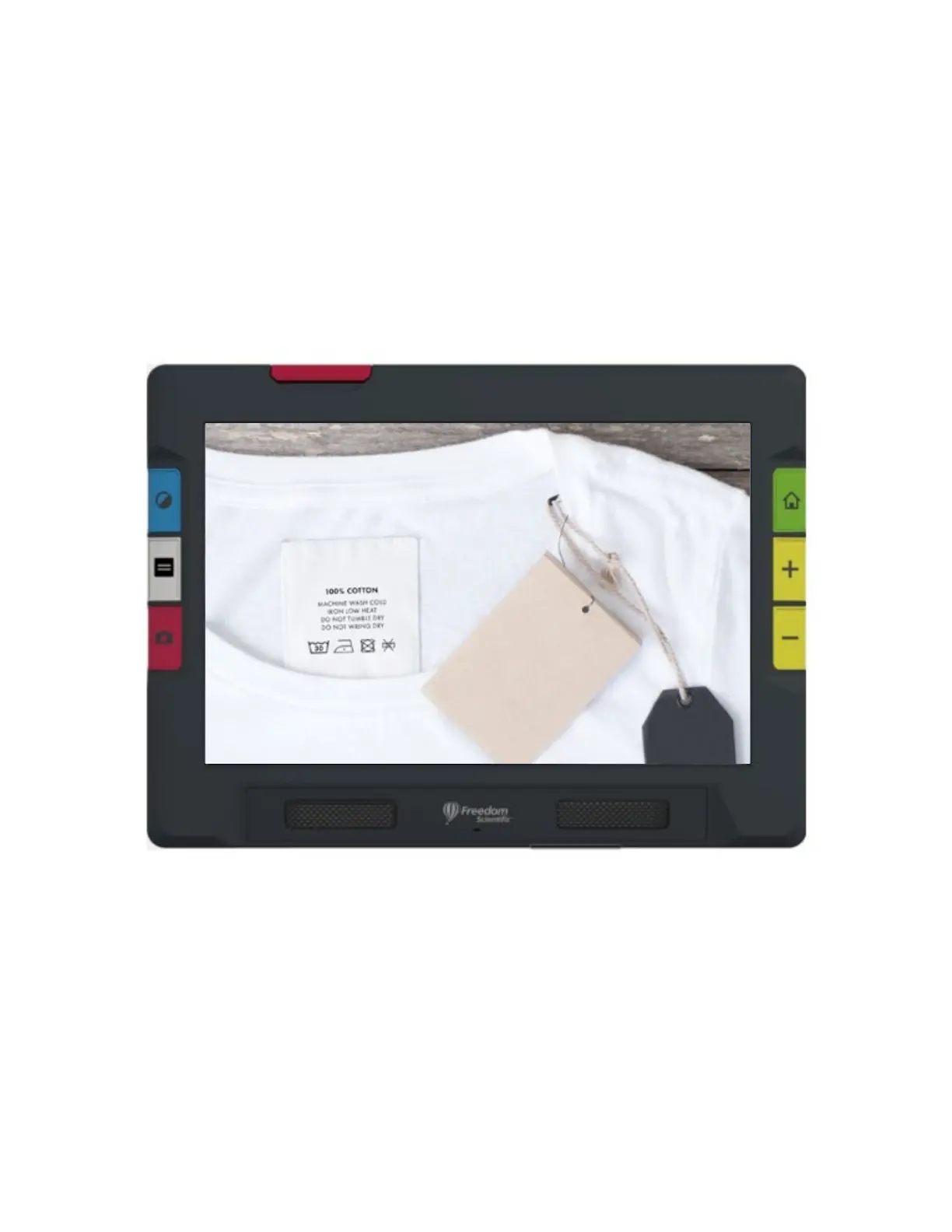
8 RUBY 10 Advanced Features and Functions
Views
RUBY 10 works differently depending on which view you are using. In Live
view, you can achieve both a magnified and improved view of the
environment and prepare the camera to take a clear snapshot. Go to Live
view at any time by pressing the green Live View button.
A short press of the red Capture button freezes the image on the screen as
a snapshot.
You can drag a snapshot to see parts of the image that are outside the
screen’s boundaries. If you take a snapshot of a shirt, for example, you can
zoom in to magnify the label, then drag the image up or down to view the
stitching or other clothing details. You can pan the image in any direction
until the end of the snapshot.



 To Next Page