32 RUBY 10 Advanced Features and Functions
Cameras
Cameras enable you to view objects in Live view, take snapshots, enhance
images, and save them. RUBY 10 has three cameras, each serving a
specific task or situation. Only one camera is active at a time, and its
associated light is only enabled if it is active.
The availability of the cameras depends on the position of the integrated
reading stand and the swing-out camera arm. All cameras can be used in
both Default mode and Advanced mode.
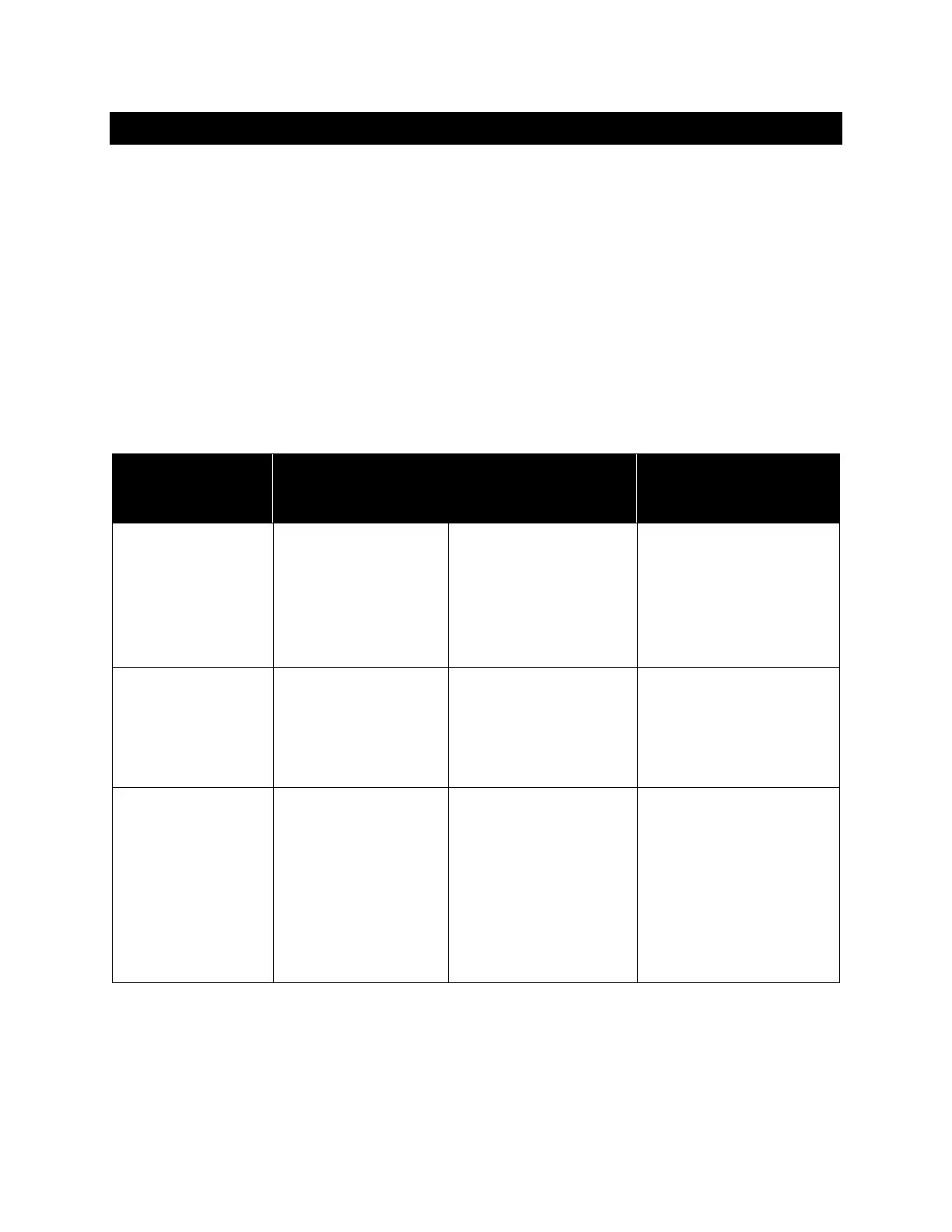
Three cameras and the camera arm enable you to use RUBY 10 in
different ways, as described in the following table.
Camera Location RUBY 10
Position
Purpose
Magnification
camera, min
2x to 24x
Center of the
body facing
downward.
Blocked if the
stand is closed.
Stand is open
and the camera
arm is closed.
Reading on a desk
or table. Put
document beneath
RUBY 10.
Overview
camera, min
1.8x to 22x
Center of the
body. Partially
blocked if the
stand is open.
Both the stand
and the camera
arm are closed.
Spotting objects
while holding the
device, such as
while shopping.
Full-page
camera, min
0.4x to 13x
At the end of
the arm
Stand is open
and the camera
arm is fully
extended.
Read and capture
full-page document
images, write your
signature, or view
other objects like
photos. Good for
hobbies.
From minimum zoom to maximum zoom takes five seconds for each
camera. You can display an image in full color, high contrast, or grayscale.



 To Next Page